Requirements:
(Brother MFC-J6540DW printer )
I have [Searched]the forum for my issue and found nothing related or helpful
I have checked the [Resources category ]
I have reviewed the [Wiki] for relevant information
I have read the the [Release Notes and Errata]
Description of the issue (screenshots if relevant):
Cannot install brother printer
Relevant informations (hardware involved, software version, logs or output…):
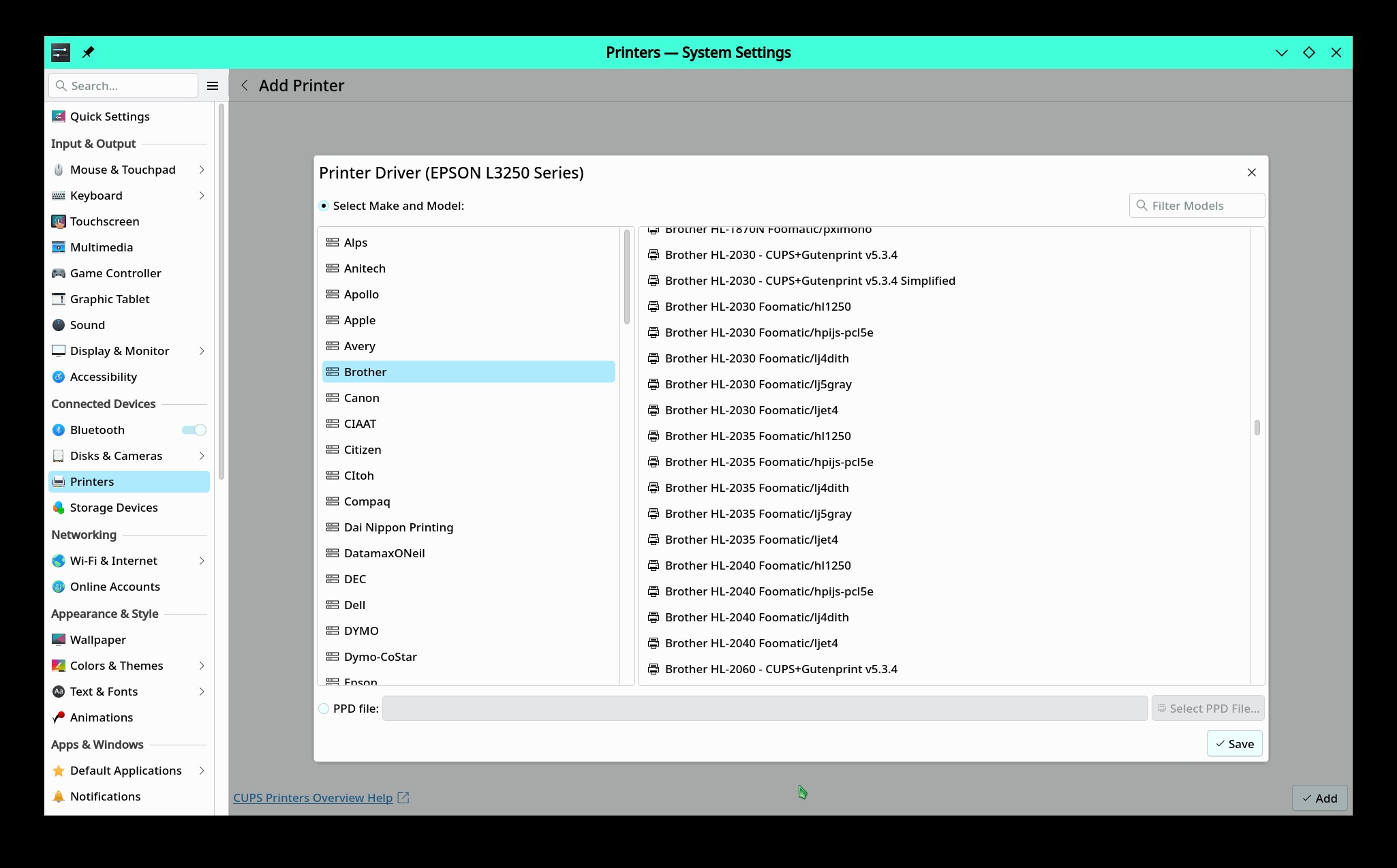
I downloaded the correct driver from Brother website, tried to install the rpm file, but it did not install; it says: “no digest”. Tried again with system-config-printer, driver does not exist in database. Thanks for helping
I see you are a new user. While OM uses the rpm package format, the contents from other distros are not compatible with OM. Never go to other distros’ websites to retrieve a package.
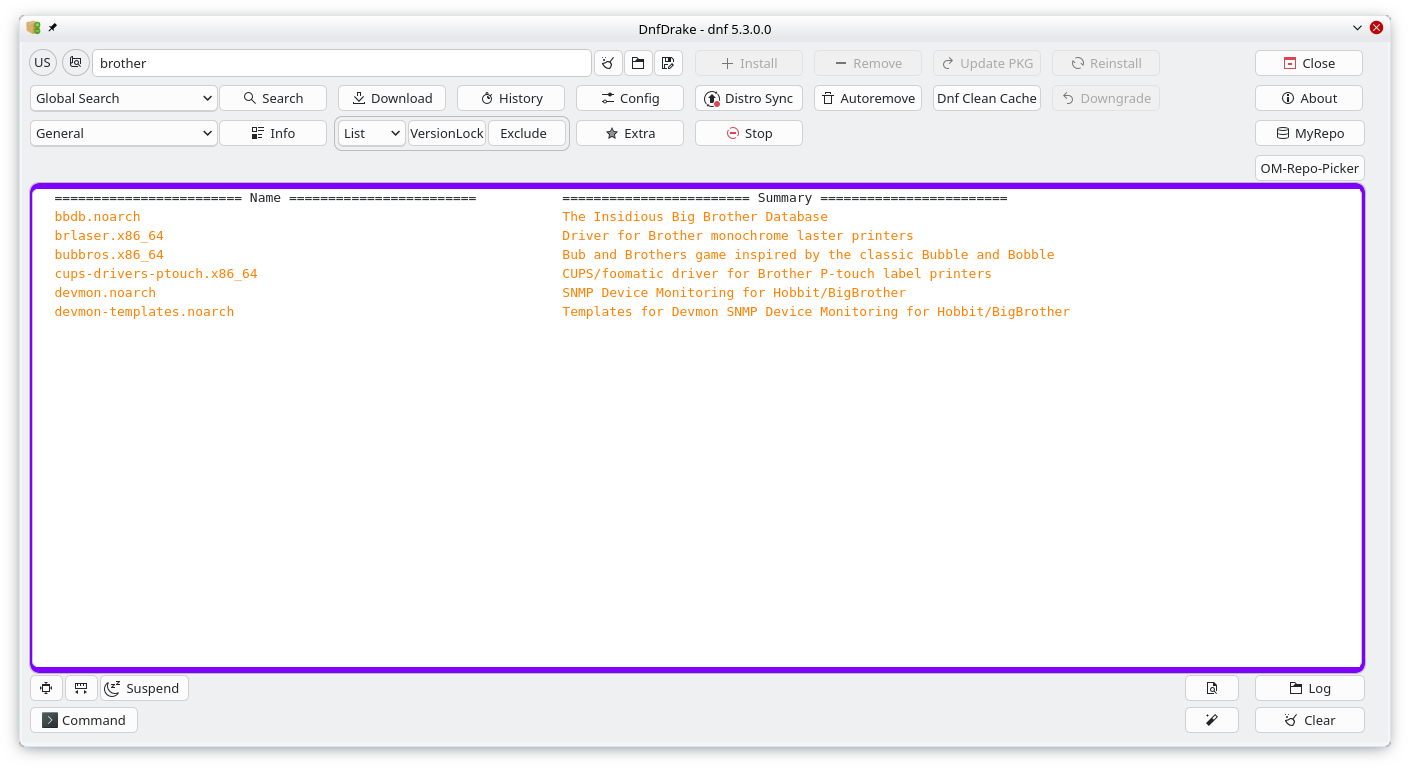
OM has its own packages and tools. For installing packages and apps, you can use Dnfdrake, Flatdrake, Yumex, and the terminal.
As a new user, I would recommend you download and install OM Rock or OM Rome (rolling release). OM Cooker is where the testing is performed. Things sometimes break.
If you do not have this a guess would be to install task-printingand/or task-printing-server. Sometimes the most reliable way to configure a printer is with CUPS. Open a browser and for the url type ‘localhost:631’ without the tick (') marks.