Safe to Upgrade your ROME system 15/09/26

Hello,

Requirements:

If you were going to use dnf upgrade or dnf up don’t. You need to read the Big Fat Warning blue banner at the top of this page. We use dnf dsync or dnf distro-sync (they are the same) to upgrade ROME systems because of OM’s unique packaging system.

I have Searched the forum for my issue and found nothing related or helpful
I have checked the Resources category (Resources Index)
I have reviewed the Wiki for relevant information
I have read the Release Notes and Errata

OpenMandriva Lx version:

ROME v. 26.02 > 26.09

Desktop environment (KDE, LXQT…):

Plasma 6, Gnome, Gnome is a well supported by @AngryPenguin spin. Possibly LXQt, XFCE, Mate. LXQt, XFCE, Mate are community spins not officially supported.

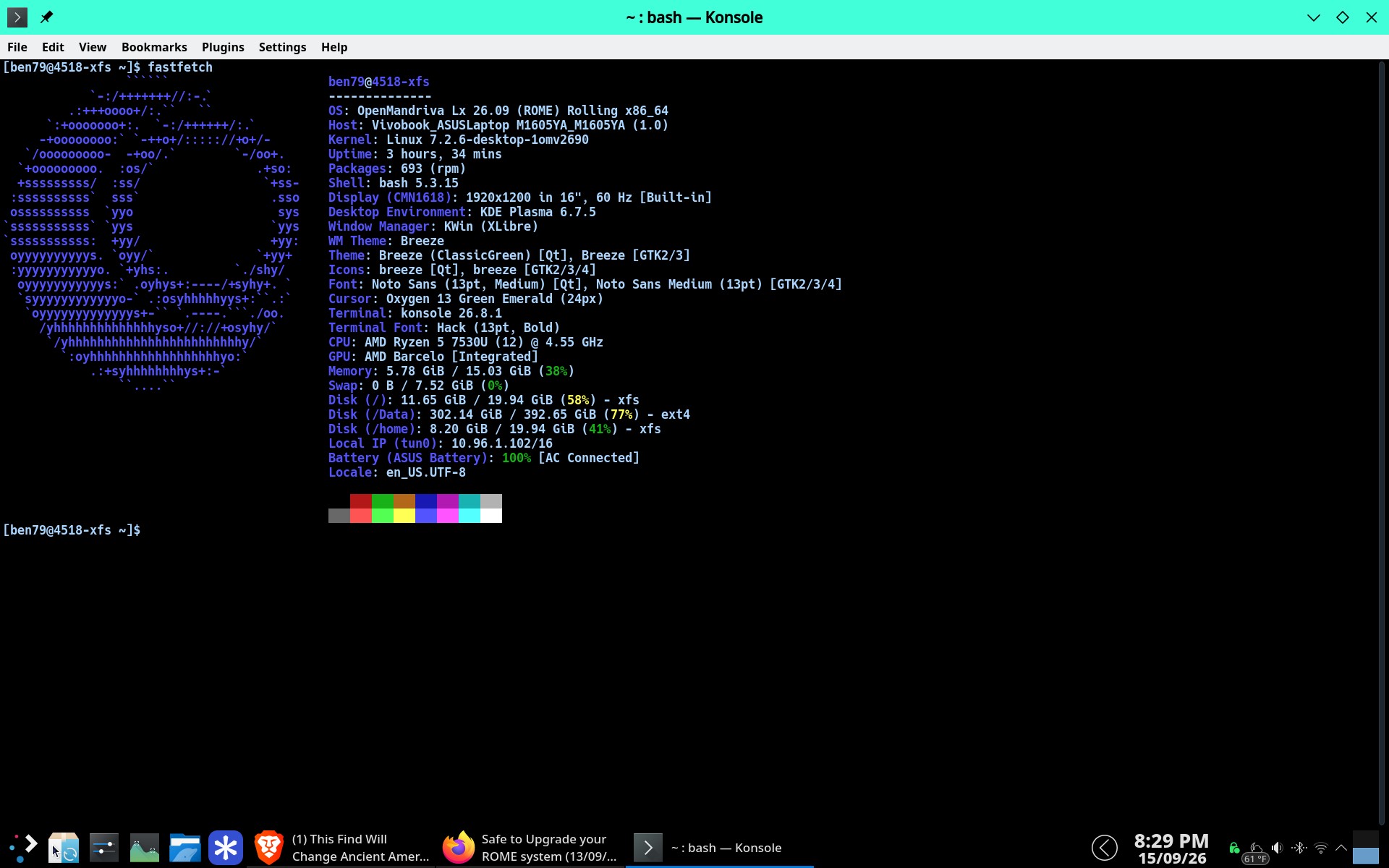
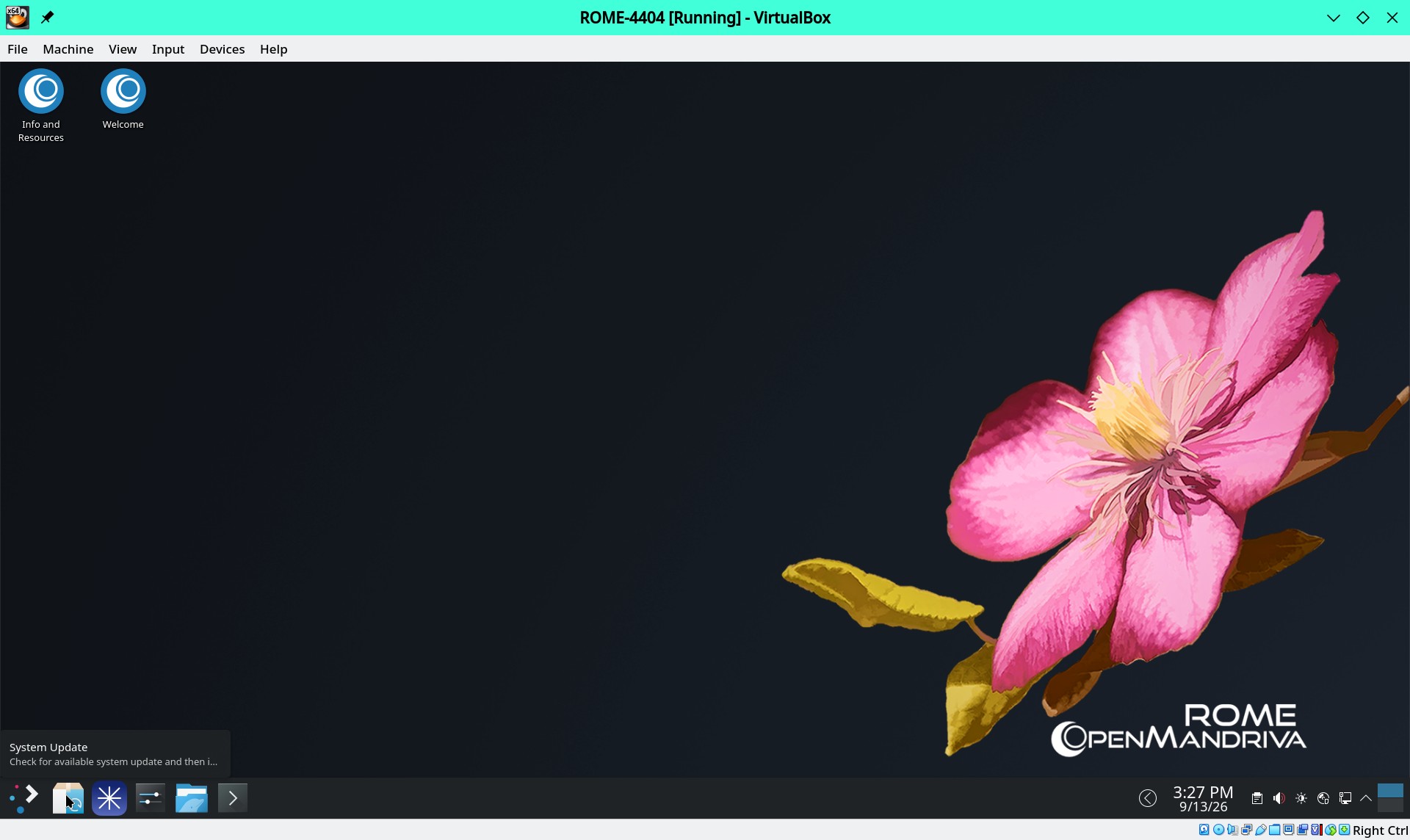
In my testing I did this system upgrade using the System Update utility. I lost track of exactly how many times I did this. But read the next post before doing this so you know what to do just in case or if you are the least bit insecure about this process. The cursor pointer in this screen shot shows the System Update utility.

Note: When using System Update it is good practice to scroll through the list and pay attention to what it is doing. Especially look for packages it might remove just in case.
If you do have a problem you need to be able to tell what you have done with your system regarding custom configurations or extra software installed, and be willing to provide info as requested. Post your problem in English/Support forum with a descriptive title. Please remember we can not fix reports like “It’s broke” we need detailed description of the problem and as much relevant information as you can provide. Please help us to help you.
Some additional info for advanced users:

Description of the issue (screenshots if relevant):

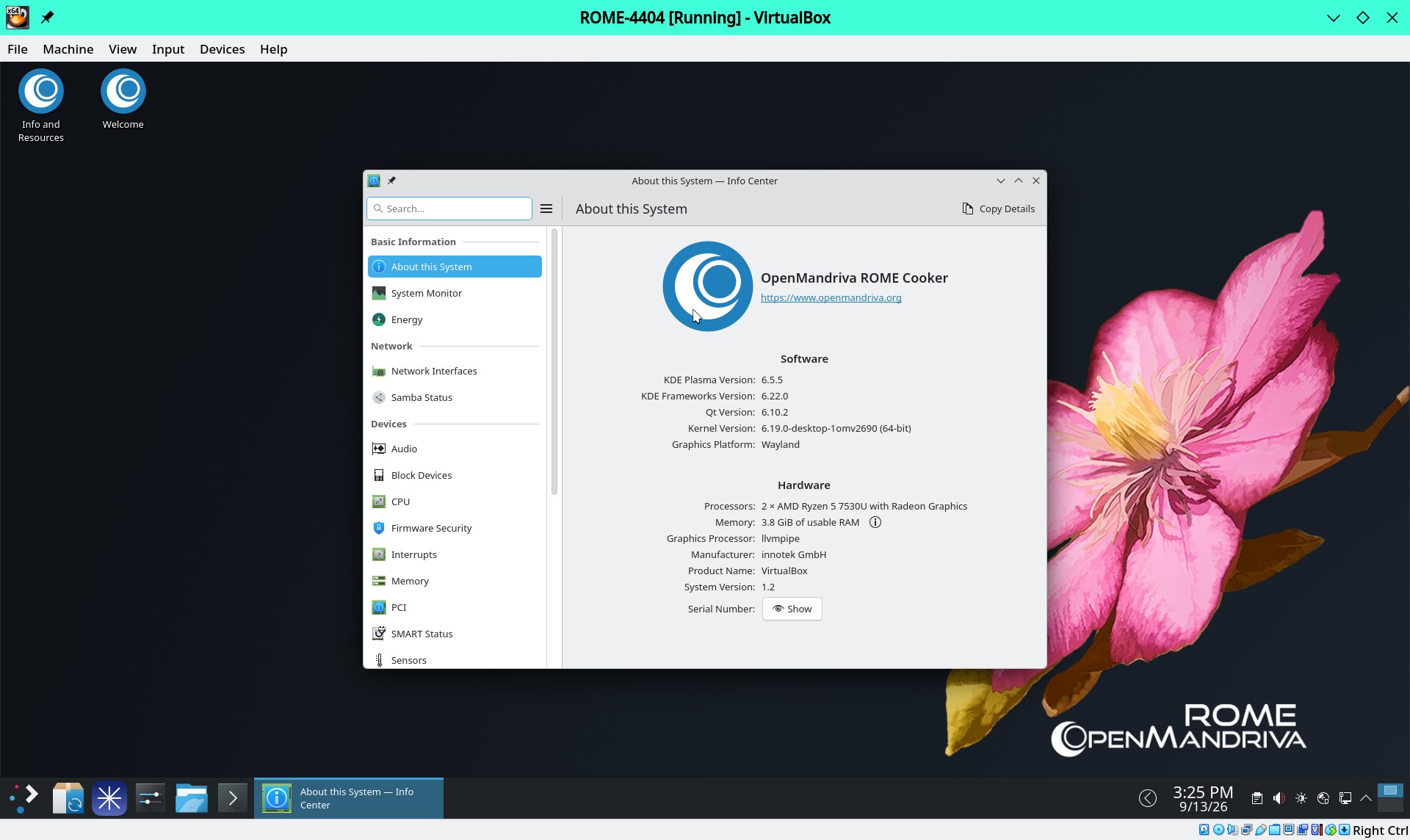
Install from ROME iso # 4404 built Feb. 13, 2026:


Carefully note that there are over 1500 downloads and upgraded/changed packages involved in this transaction.

Relevant information (hardware involved, software version, logs or output…):

How this is tested. I install in either VBox or Qemu/KVM from iso # 4404 made Feb. 13, 2026. After installing and booting in to the installed system I used System Update utility. Then reboot system for the new kernel. So this is tested on a very default, as installed from the .iso file system. There are very few changes made and those that are are cosmetic changes in KDE Plasma SystemSettings and setting a custom profile for Konsole. The custom profile for Konsole is mostly done to set scrolling to unlimited. Then I will do this on my own ROME installed system on a notebook computer. There are other people in the OM-QA Illuminati doing something similar.

There is more to testing this. But this should be enough explanation so users know that for most users this should be simple. People that have made a lot of changes on their system need to be sharp and pay attention.

What could go wrong :

If you have a heavily customized or changed system you could have problems. Obviously we can not test all the different ways users might customize their systems. If you have changes you should have them written in a file or note pad somewhere so you can provide information to help us help you if there is a problem.

If I use System Update how can I get info if there is a problem?:

You can use dnf history list followed by dnf history info <number_of_transaction>. But if you have a highly customized system or feel insecure about this there is another, perhaps better way. To do the dsync open Konsole(terminal) and use this command:

sudo dnf clean all ; sudo dnf dsync --allowerasing 2>&1| tee dsync-log.txt

That will create a log file called dsync-log.txt of your dsync transaction to use if you need to report a problem in this forum or in a bug report. This log file will contain a little more detail than dnf history provides.

If you do have a problem you need to be able to tell what you have done with your system regarding custom configurations or extra software installed, and be willing to provide info as requested. Post your problem in English/Support forum with a descriptive title. Please remember we can not fix reports like “It’s broke” we need detailed description of the problem and as much relevant information as you can provide. Please help us to help you.
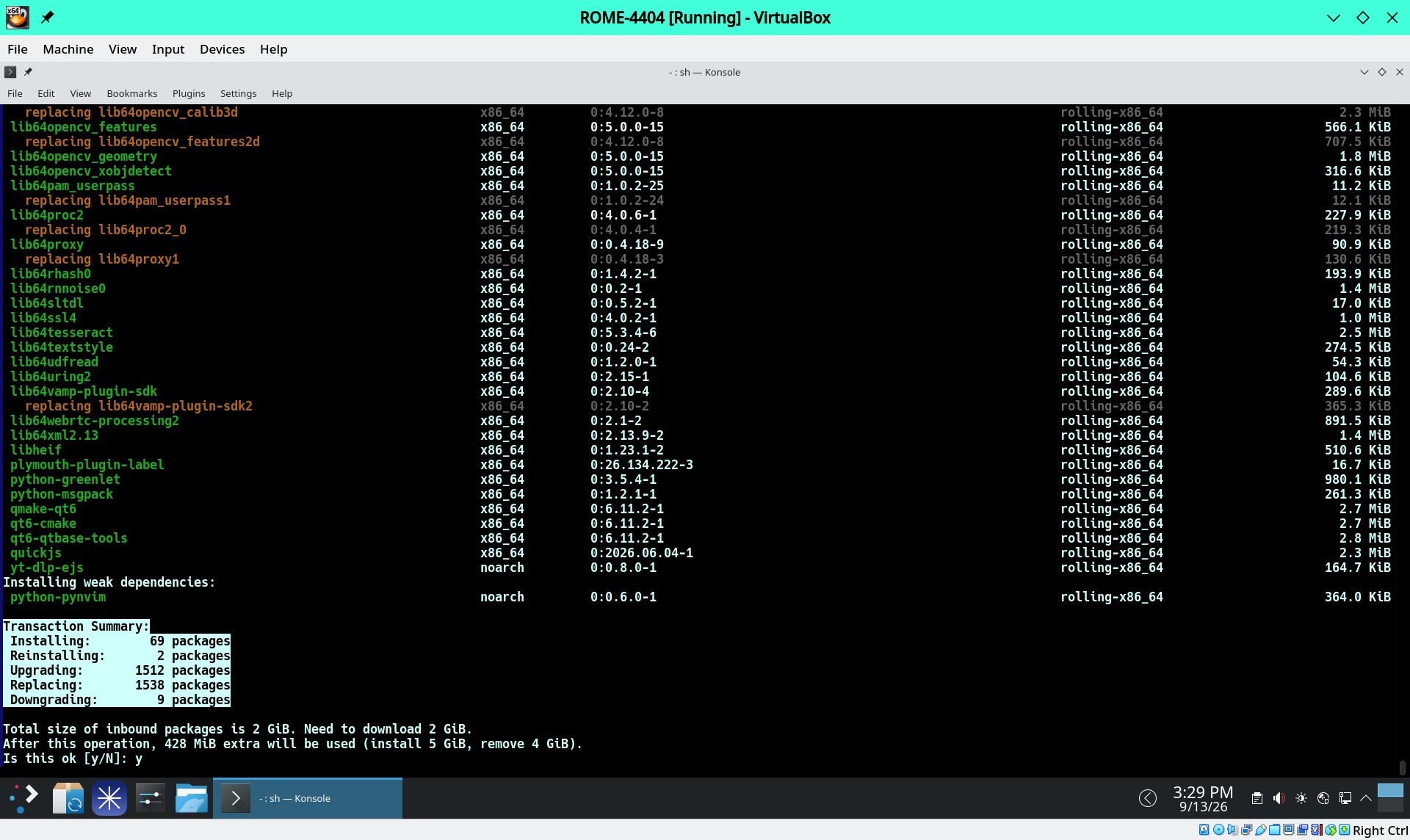
Some points to be aware of:

  1. If you use System Update the command that uses includes the option --allowerasing so it is was to check any packages that it would remove. If you have any doubt or question ask here.

  2. dnf autoremove removes packages that were installed as dependencies that are no longer needed. After this trans action it looks like it will remove about 35-70 packages with no ill effects that I have seen. Like --allowerasing it is possible that dnf autoremove would remove something you might want to keep so pay attention. If in doubt ask.

Why use sudo dnf autoremove (or shoud I)?

dnf autoremove removes packages originally installed as dependencies that are not longer used. Basically you do this to get rid of packages that are no longer being used. However it is good practice to always when you see a word like remove or erasing in a command to pay attention in case something might get removed you don’t want removed. This caution also applies to using the option --allowerasing.

There are people that do not trust the dnf autoremove command.

I use this command myself. In testing in Cooker (development branch) it points to possible problems that need to be reported to developers. Otherwise I use it to remove unused software, which is what it was designed to do.

So this is your decision. There should be no harm in not use dnf autoremove unless your storage space is really tight.

1 Like

There are new ROME isos here. (Download the most recent iso, the largest build ID #) At present these are considered snapshots for testing. They are probably the best ROME Isos we have made in a long time. In the QA Illuminati testing these isos seem to work just fine.

If you do have a problem you need to be able to tell what you have done with your system regarding custom configurations or extra software installed, and be willing to provide info as requested. Post your problem in English/Support forum with a descriptive title. Please remember we can not fix reports like “It’s broke” we need detailed description of the problem and as much relevant information as you can provide. Please help us to help you.