ROME Rolling Switched to Cooker? Unknown reason

Hello,

Requirements:

x I have Searched the forum for my issue and found nothing related or helpful
x I have checked the Resources category (Resources Index)
x I have reviewed the Wiki for relevant information
x I have read the the Release Notes and Errata

OpenMandriva Lx version:

OpenMandriva Lx release 26.02 (ROME) Rolling for x86_64

Desktop environment (KDE, LXQT…):

KDE 25.5

Description of the issue (screenshots if relevant):

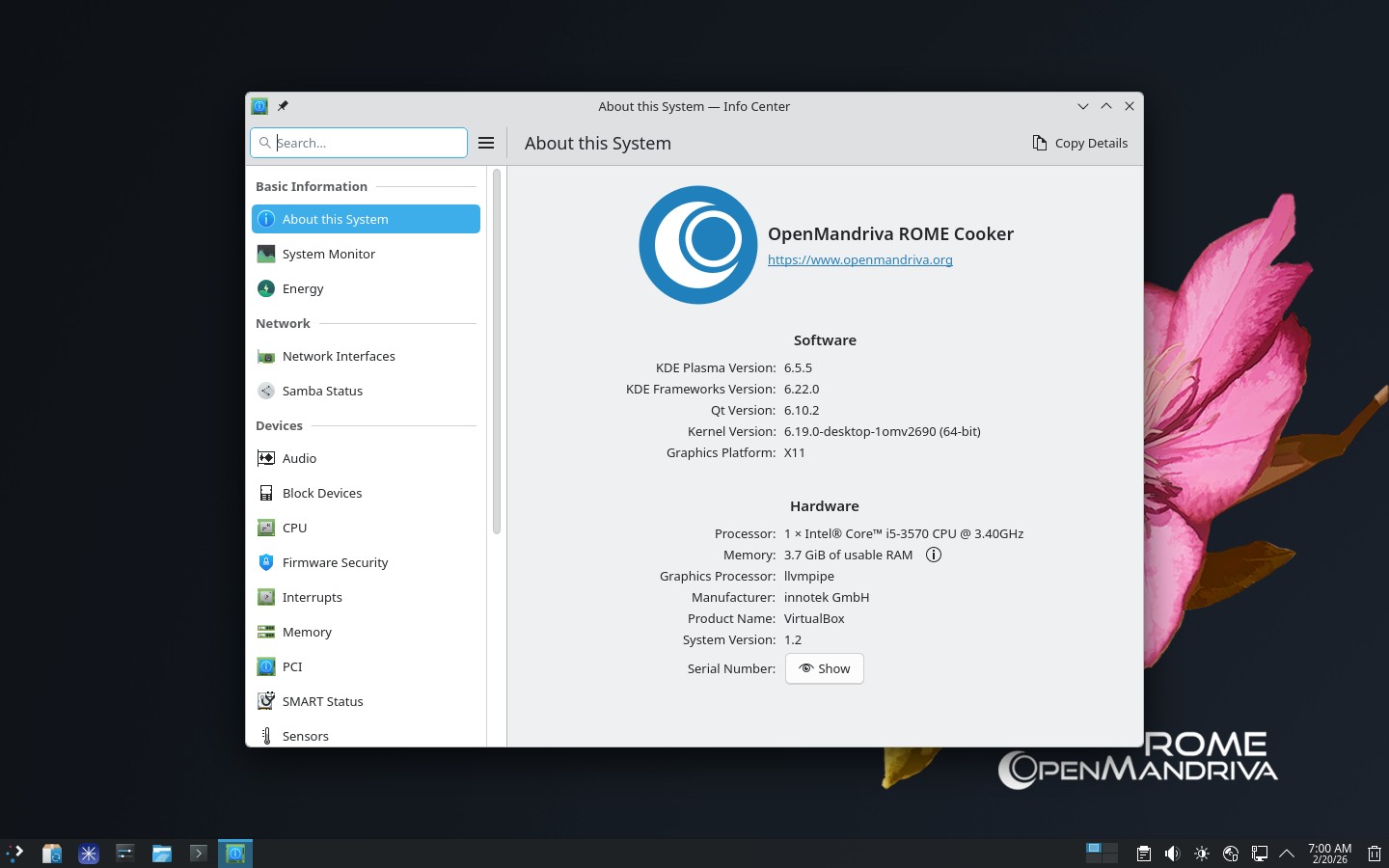
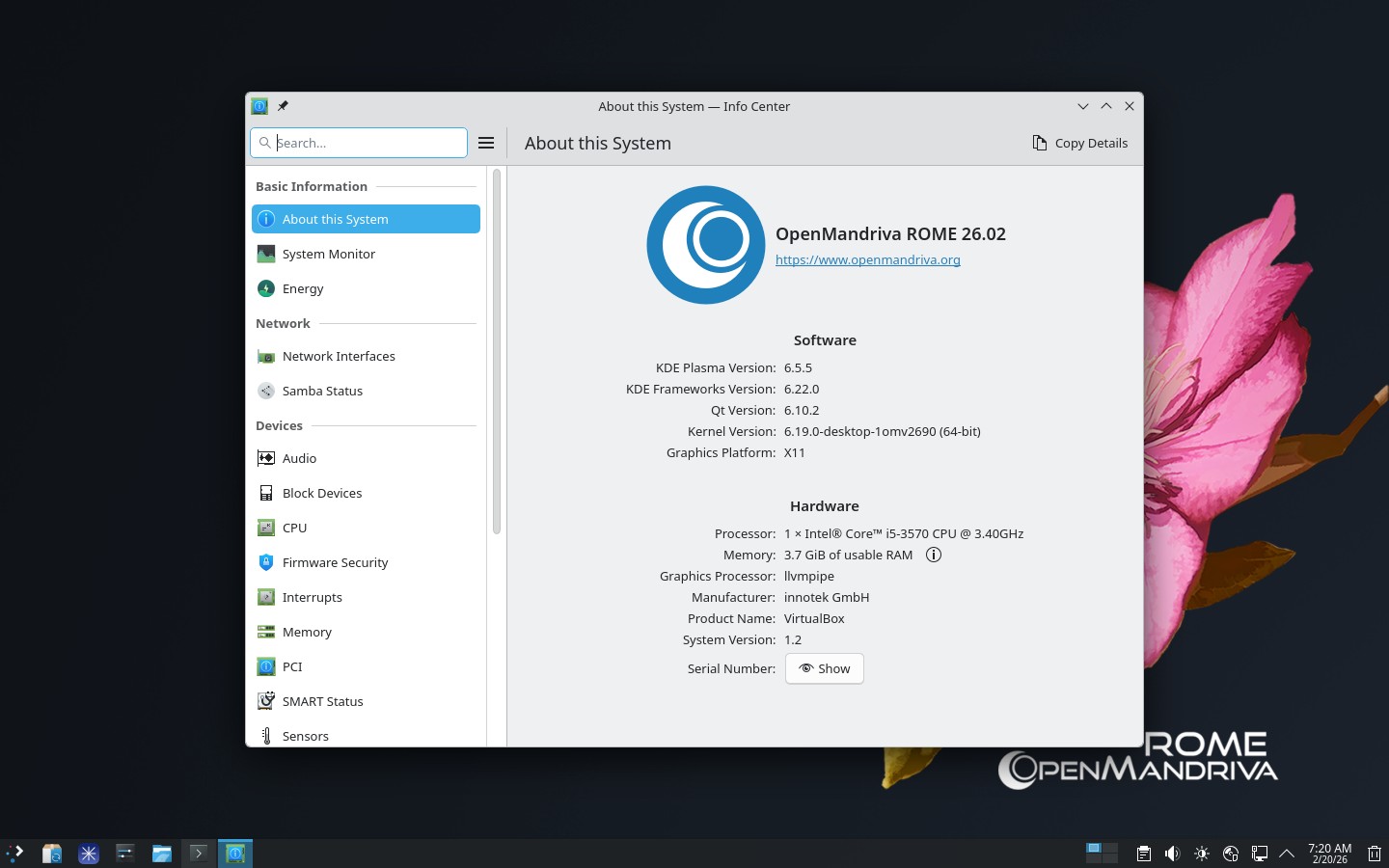
I did the Feb. 13 ROLLING update by using the OM System Update tool, not manually or any other way. At first I noticed a problem because all of my printers disappeared and the system would not let me add them back. Then I rebooted and they re-appeared. However, the System Info now shows I am on COOKER, even though I did not select that repo. I have never selected COOKER. When using Neofetch or cat/release it shows I am on ROME Rolling. I have added a screenshot. Is this a concern, and how can I fix it?

Relevant informations (hardware i

nvolved, software version, logs or output…):

Just wait for distro-release rebuild.
Aggiornamenti di febbraio 2026 - #28 by rugyada

1 Like

Ok, will do. Thank you!

Just for information: What defines ROME is the repositories in use and what is in /etc/release. It is not defined by what is in SystemSettings. That is an error to be corrected as @rugyada tells us.

Either of these commands will tell you what is actually in use:

dnf repolist

cat /etc/release

Another terminal command that responds back with the correct release:

fastfetch

fastfetch --logo none if short on screen resolution.

Thinking :thinking: actually /etc/release could have an error. So it would be what repos are in use or dnf repolist. If you have rolling repos then that is ROME. cooker repos means you have Cooker. If you have both you have a problem, do not do that.
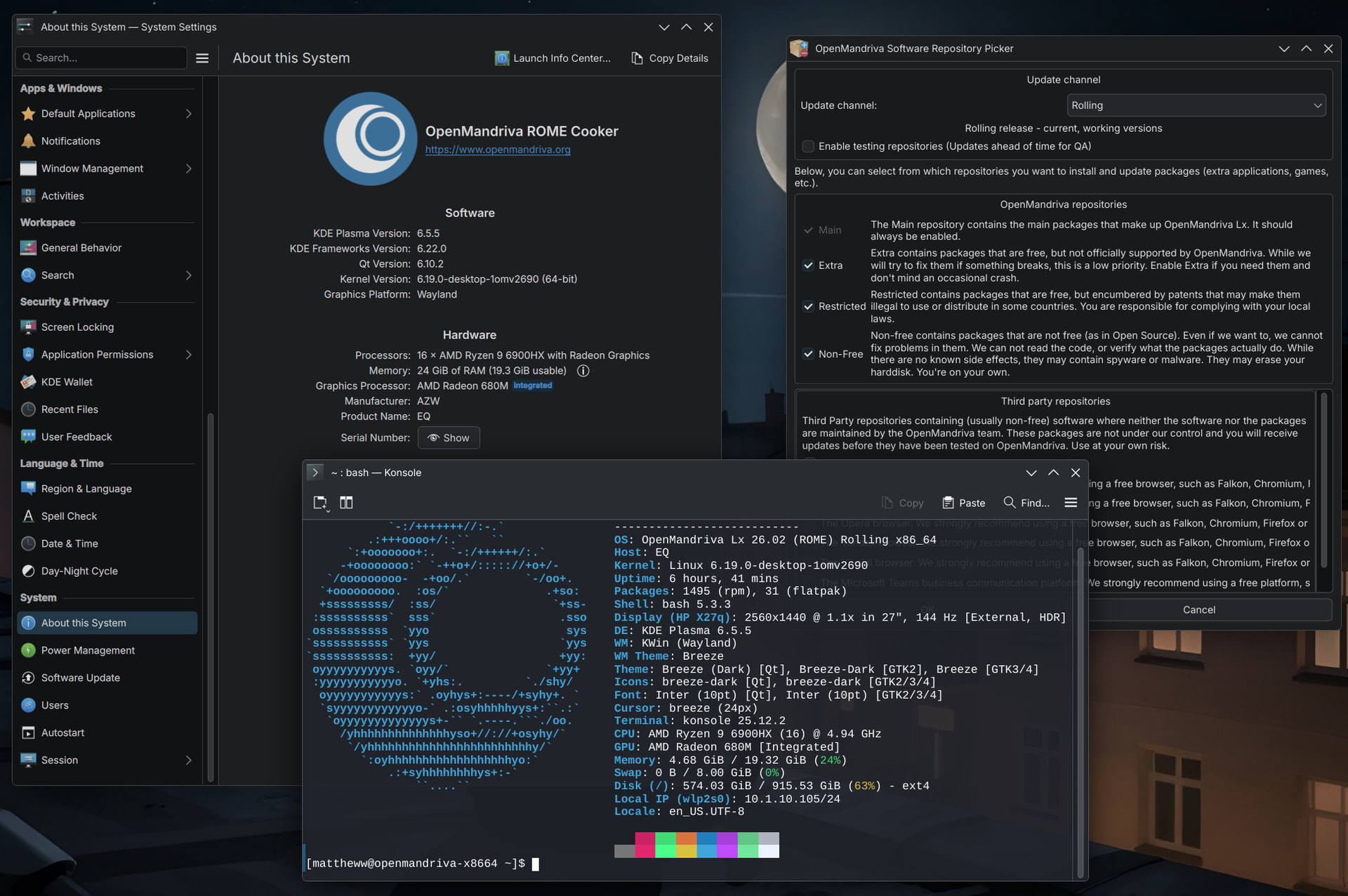
I think fastfetch would be reading /etc/release.

cat /etc/openmandriva-release 
cat /etc/os-release
cat /etc/os-release.openmandriva
cat /etc/release
cat /etc/system-release 

dnf repolist

All of them work.

Before and after:

– How-to make it:

sudo dnf dsync distro-release-* --refresh --enablerepo=rolling-testing-x86_64 2>&1 | tee konsole-$(date +%Y%m%d%H%M).updpkg.log

(replace x86_64with znver1 if it’s your case)

– Check:
rpm -qa|grep distro-release

example of console output:

distro-release-repos-pkgprefs-26.02-2.noarch
distro-release-repos-keys-26.02-2.noarch
distro-release-common-26.02-2.noarch
distro-release-OpenMandriva-26.02-2.x86_64
distro-release-desktop-26.02-2.noarch
distro-release-theme-26.02-2.noarch
distro-release-desktop-Plasma-26.02-2.noarch
distro-release-installer-26.02-2.x86_64
distro-release-indexhtml-26.02-2.noarch
distro-release-repos-26.02-2.x86_64
distro-release-rpm-setup-26.02-2.noarch
1 Like

Publisheddistro-release in regular main/release repository.
sudo dnf dsync lsb-release distro-release-* --refresh

This topic was automatically closed 15 days after the last reply. New replies are no longer allowed.