Are flatpaks installed by default? If not, I’d imagine the error output would probably confuse a new user who hasn’t installed flats yet.
1 Like
I would say “no”, but…
That is a very interesting question.
It seems that some intel integrated graphics graphics drivers (Mesa) are on my system that show up in FlatDrake, but they may have been installed with a 3D modelling program I installed, I didn’t pay attention, or if I did, I forgot.
There’s no notification that there’s a Flatpak update available. There’s only a notification from DrakeTray when there’s a dnf update available. A non-technical person isn’t going to fire up FlatDrake periodically just to see if there’s an update. Because I installed her system for her, she has no idea there are two different sources of packages and that one notifies her and the other doesn’t.
So yeah, it would be really nice if there were a unified GUI for getting updates done. It was a proposal I was planning to make at some point. I thought in light of this post it made sense to say I think this is a more pressing need than a default alias for CLI updates.
FlatDrake notified me of updates via DrakeTray, but the update didn’t work (at least not for Floorp), nor did it work from the FlatDrake console itself, so I had to use the CLI.
I dunno.
On Windows, the OS updates don’t update all the software installed, and you need to update each individual piece of software, whereas in OML, there are only 2 places that need updates, the system (which includes SW installed from the repos, and flatpacks.
I think that if they just fixed FlatDrake, that would be good enough.
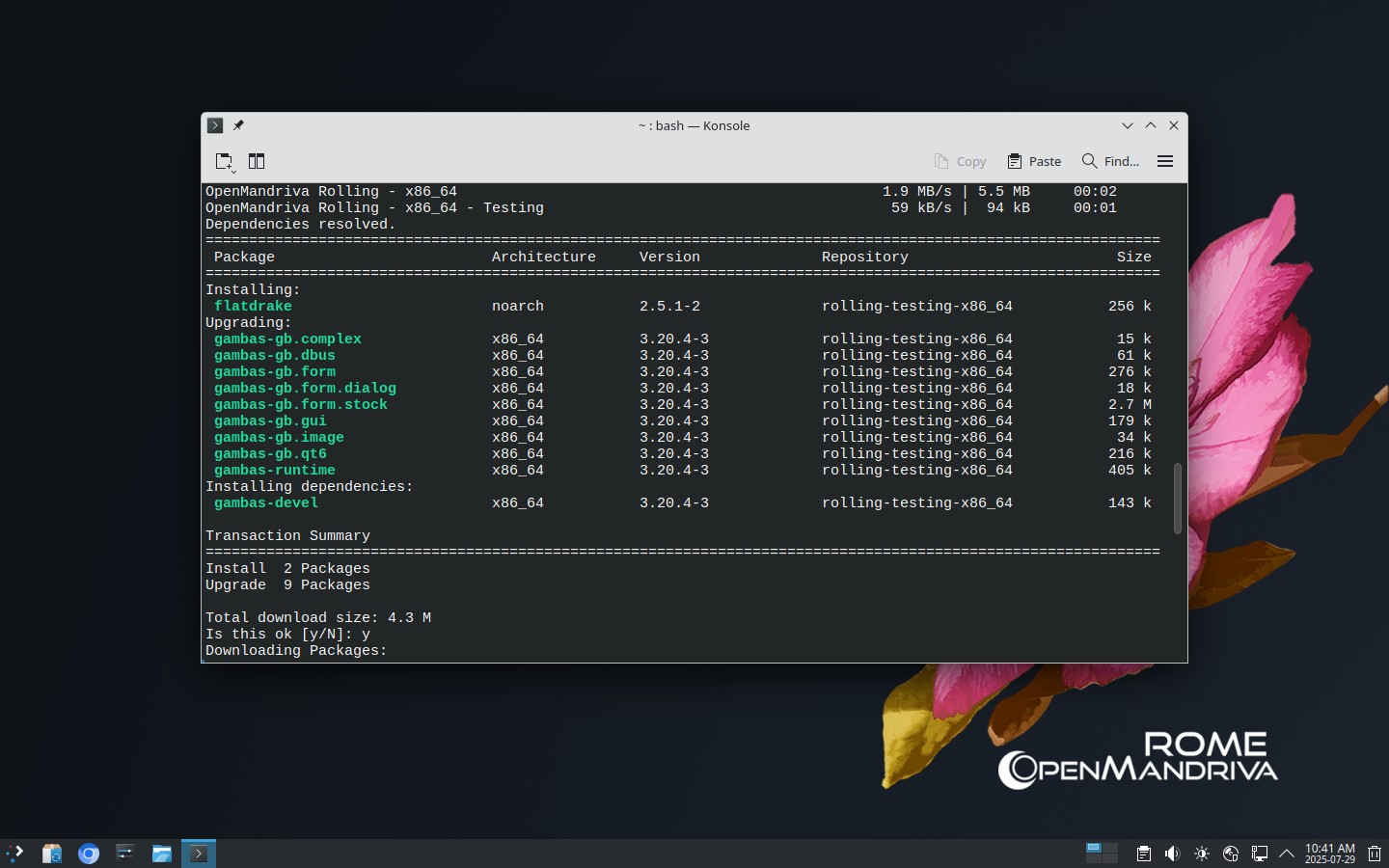
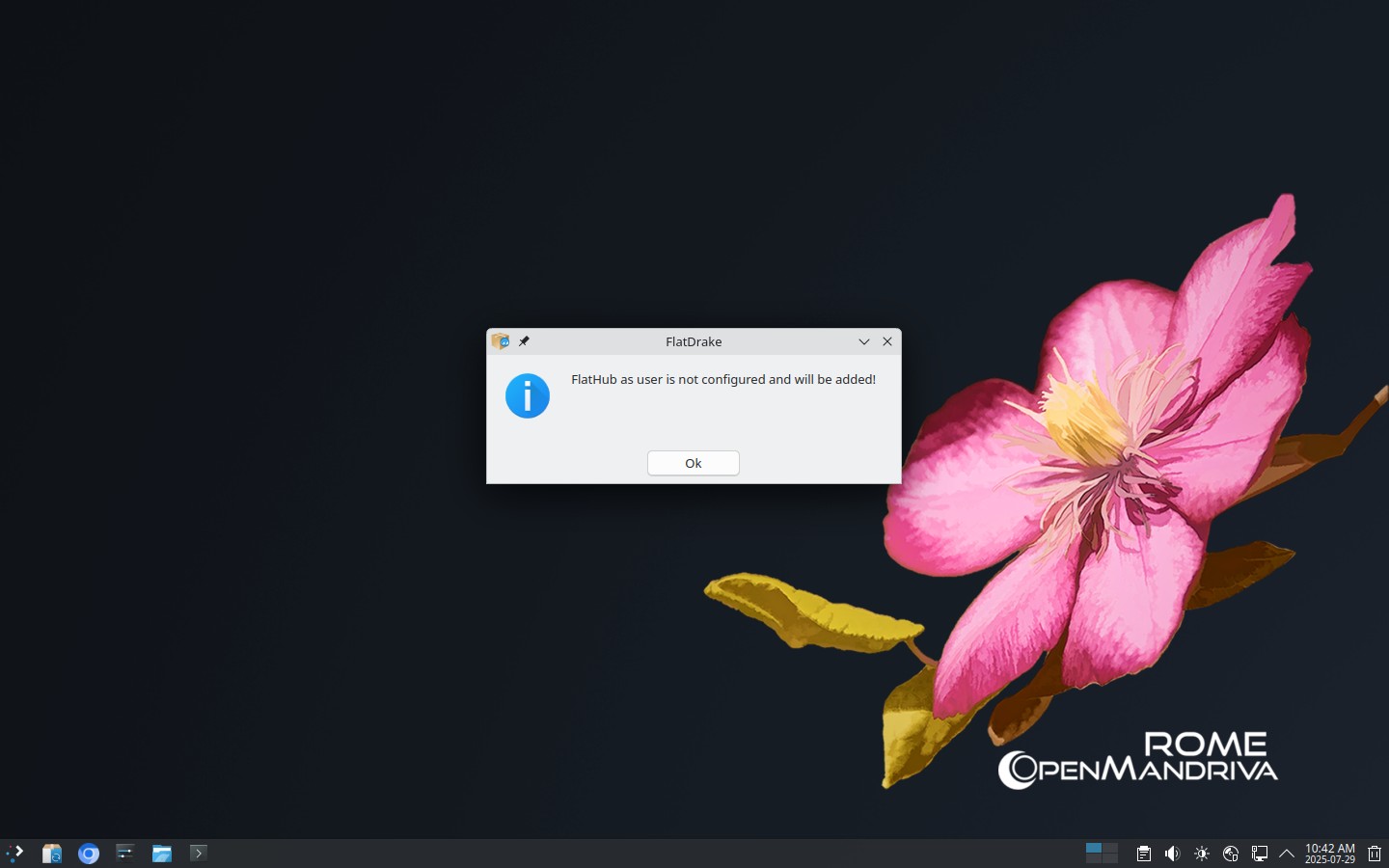
flatpak was installed by default the last time I did an install, but it has been a few months…
Maybe, yes. If you got one notification and then clicked a button which ran updates for both, I’d be happy. I’m not incredibly picky about it, especially if someone else is doing the heavy lifting to write something. “Linux for Non-Technical User” is just a use case I know the old Mandrake pursued, and it gave them a lot of success until Ubuntu came along and yanked that out from under them.
It also makes it easier for those of us who support non-technical people. 
I thought flatpak was installed. That was a few months ago.
I thought I would see what flatpak.org says:
https://flatpak.org/setup/OpenMandriva%20Lx
According to that site, flatpak is preconfigured and installed, ready to go. Which is more than quite a few other distros are able to achieve.
For the sake of comparison, in Kubuntu, there were four steps. First, install support for flatpak in Discover. Then install flatpak. Don’t forget to install the flatpak repository. Finally, reboot the system.
1 Like
Non-technical people demand everything must be in a GUI, the more unified and integrated the better, from their perspective. If OM is to be easy for the Windows 7/10 converts potentially coming to check it out, never mind any Linux users sent over here by Lunduke, then it may be the correct action to have a GUI that does all the updates. It wasn’t that long ago when I decided to ditch Windows 10 for Linux. One thing I noticed was some distros were more polished than others when it came to presenting themselves to the first time Linux user.
Flatpak support is already installed by default. So wouldn’t it make sense to have a unified and integrated update GUI? Why confuse new users?
I remember how I was confused as a new Linux user by trying to figure out apt, Flatpak, and Snap. How to install the .deb file? Why doesn’t the .rpm file work in Kubuntu or Mint? What is an AppImage? I believe many Linux users forget this because they have been using Linux for so long.
My problem was, I was too persistent and had the time to be that way. Most people don’t have the time to learn one GUI is used for Flatpaks and another for everything else. Nor do they want to learn and have the patience, which is 99% of the root of their problems with computers.
For me, personally, it makes no difference. I can “flatpak update” all day long from the terminal until the keyboard decides to quit.
1 Like
Exactly. Same with me. I’ve been using Linux regularly since the '90s. Though I started with Slackware, then moved to RedHat, then Mandrake, then Mandriva, I’ve most recently been in the Arch world, where you update from the CLI. Not a problem; I got used to updating first thing in the morning, from my CLI.
Arch, however, is purposefully not polished. So it’s obvious: it’s for the technical only. OM, however, is polished: the install is easy and smooth, and the desktop environment promises an easy path to victory for those whose hardware works OOTB. That’s one reason I love it: it’s great for the technically inclined, and I believe it can be for the non-technical if this one little problem is solved.
I’ve only been around here since April of this year, so I wasn’t even going to propose this until I had at least a year in. And I fear I have hijacked @wolfdaemon 's thread, and for that I apologize. It just seems like a good idea.
1 Like
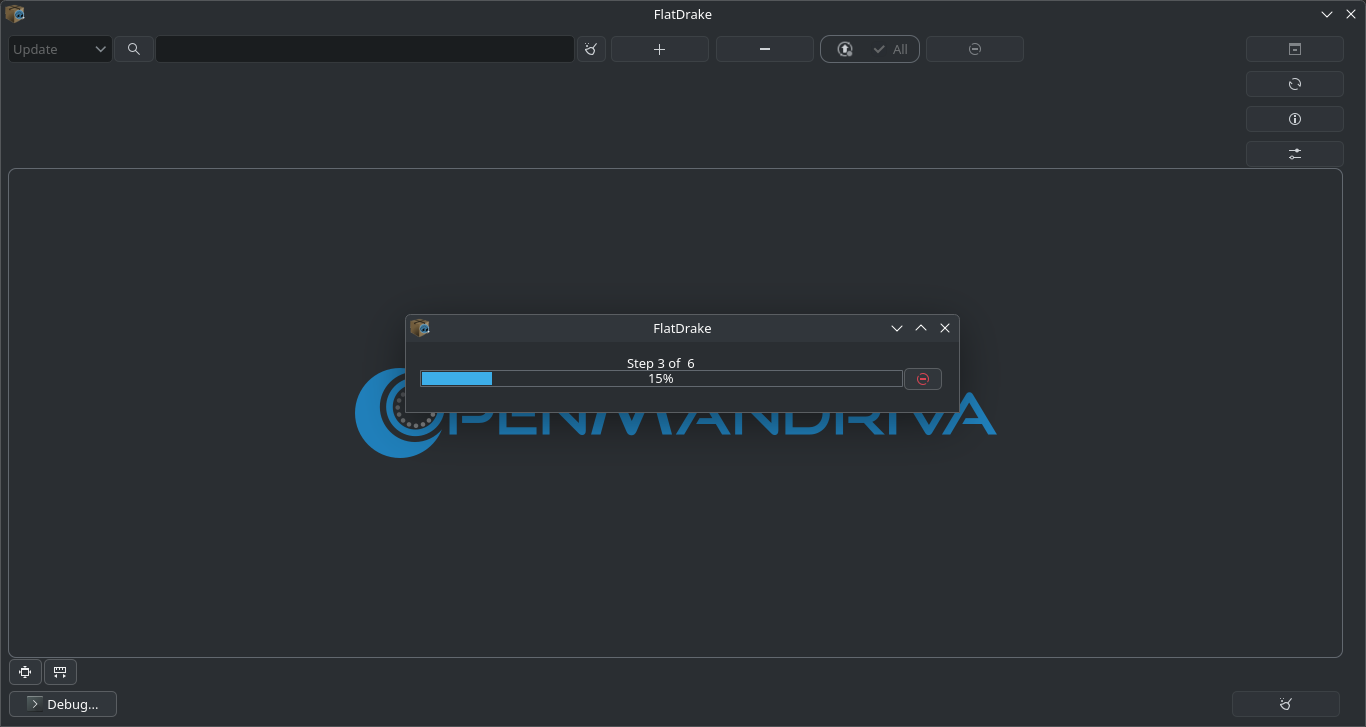
That’s exactly what Draketray+Flatdrake does.
You need to enable it here:
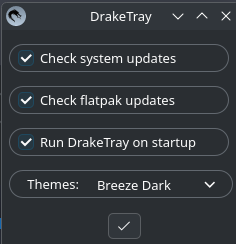
I don’t have any updates to report on the operation at the moment, but I’ll get one as soon as I can.
3 Likes
I haven’t seen it offer me a Flatpak update yet, but I’ll look for it. If this is the case, then,

Is there a reason these aren’t installed/enabled by default?
1 Like
How to:
enable updates in Draketray
or in Flatdrake
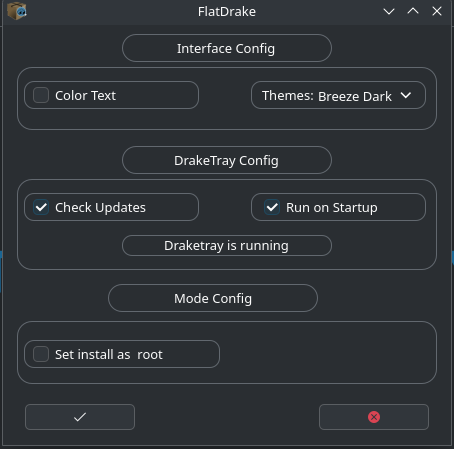
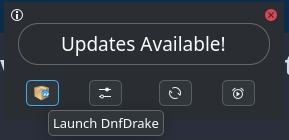
notify updates

Flatdrake launch
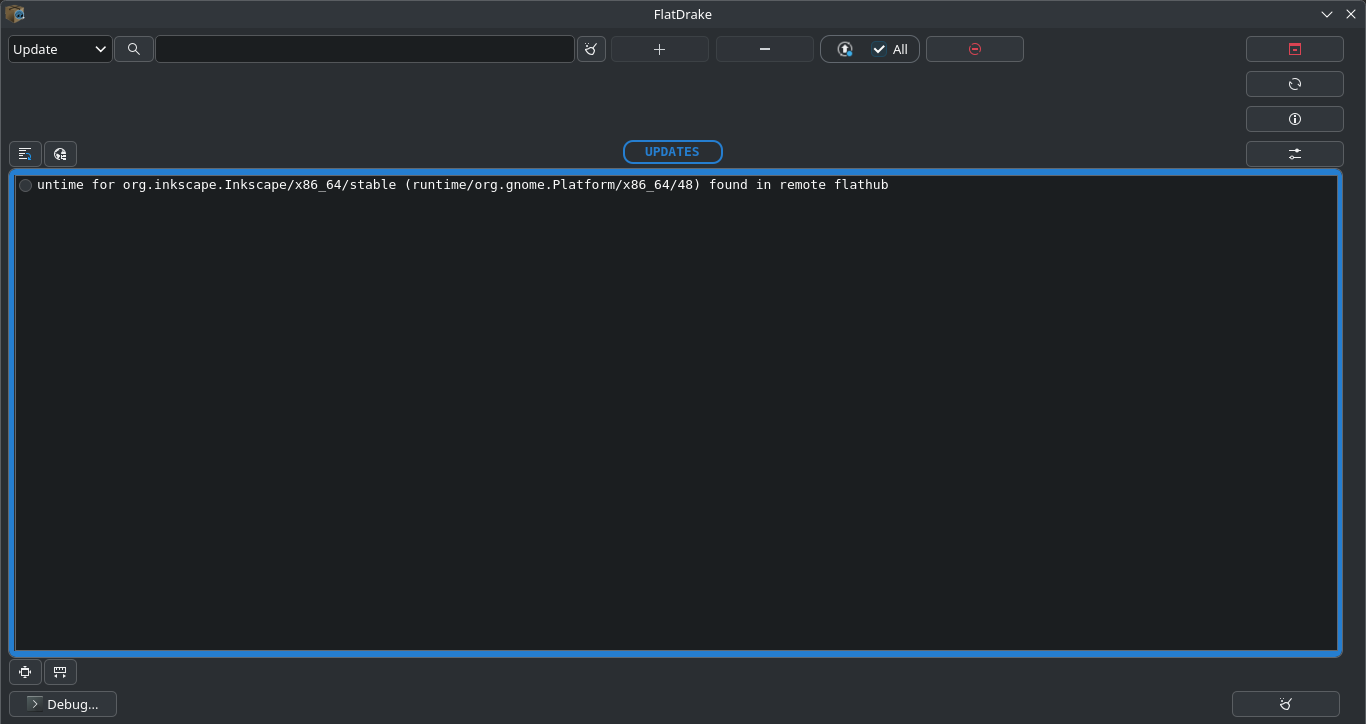
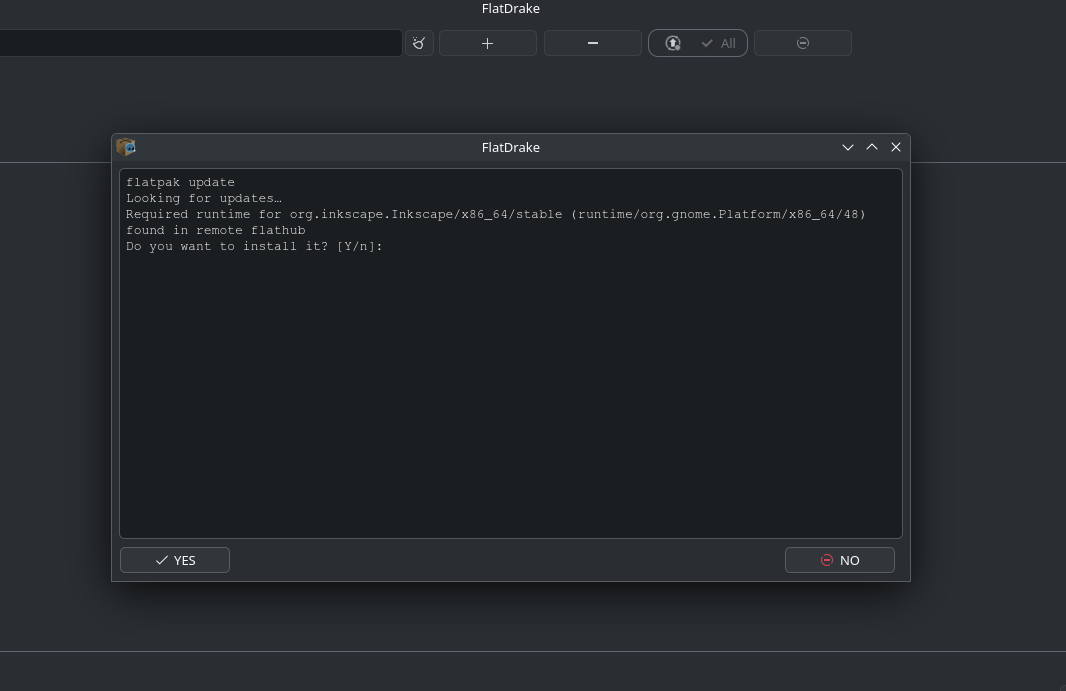
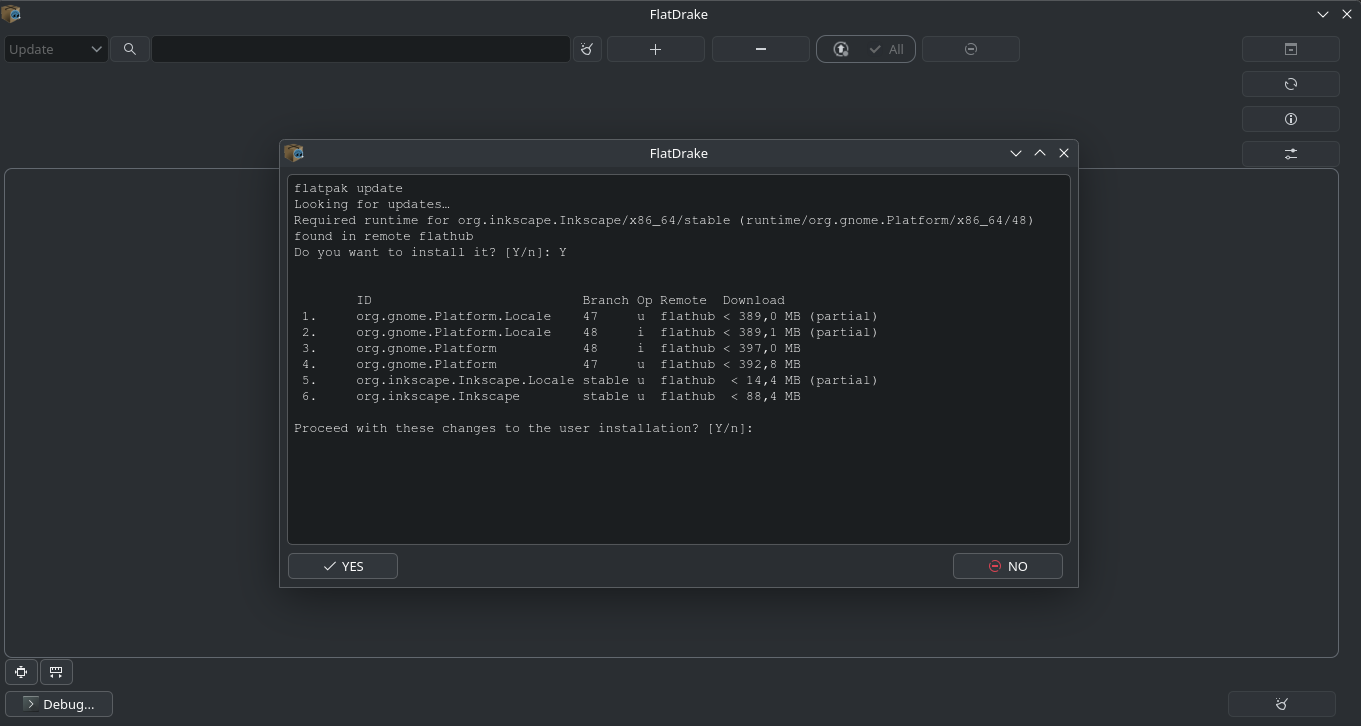
system update
End
1 Like
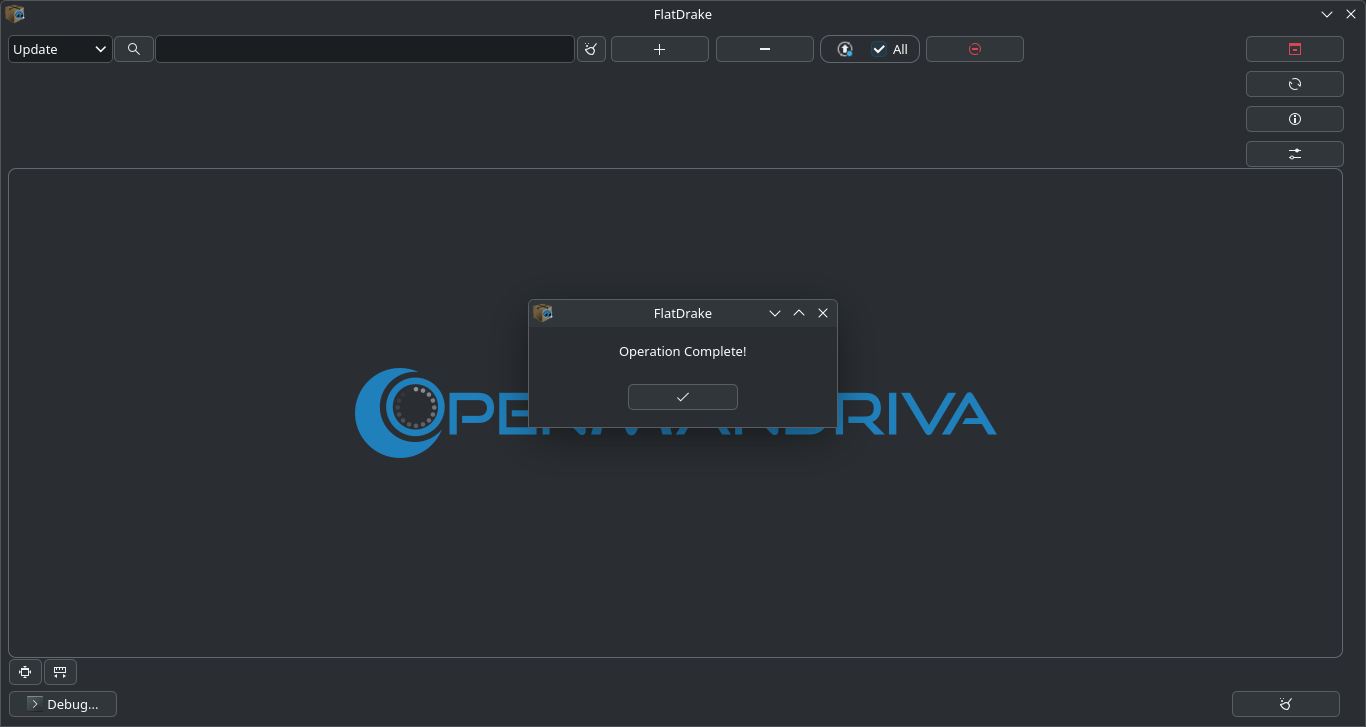
Got it going, and yes, it is updating Flatpaks. Thank you! I have yet to see what it’ll do when there are updates in the repos and in Flatpaks at the same time, but I’m assuming it runs those updates separately (or maybe it shows two system tray icons?).
IMO, these should be installed and DrakeTray should be enabled by default on Rock at least.
I think the update button should stand out better; it’s an easier concept for a non-technical user to understand “Press the big red button that says ‘Update All’,” than to say “Press the third-to-last button in the top row that has an up arrow and All checked.”
1 Like
I can quickly edit the wiki if no downsides are pointed out.
[ ] ←
] ←
[ ]
]
[ ]
]
1 Like
This topic was automatically closed 30 days after the last reply. New replies are no longer allowed.