Description of the issue (screenshots if relevant):
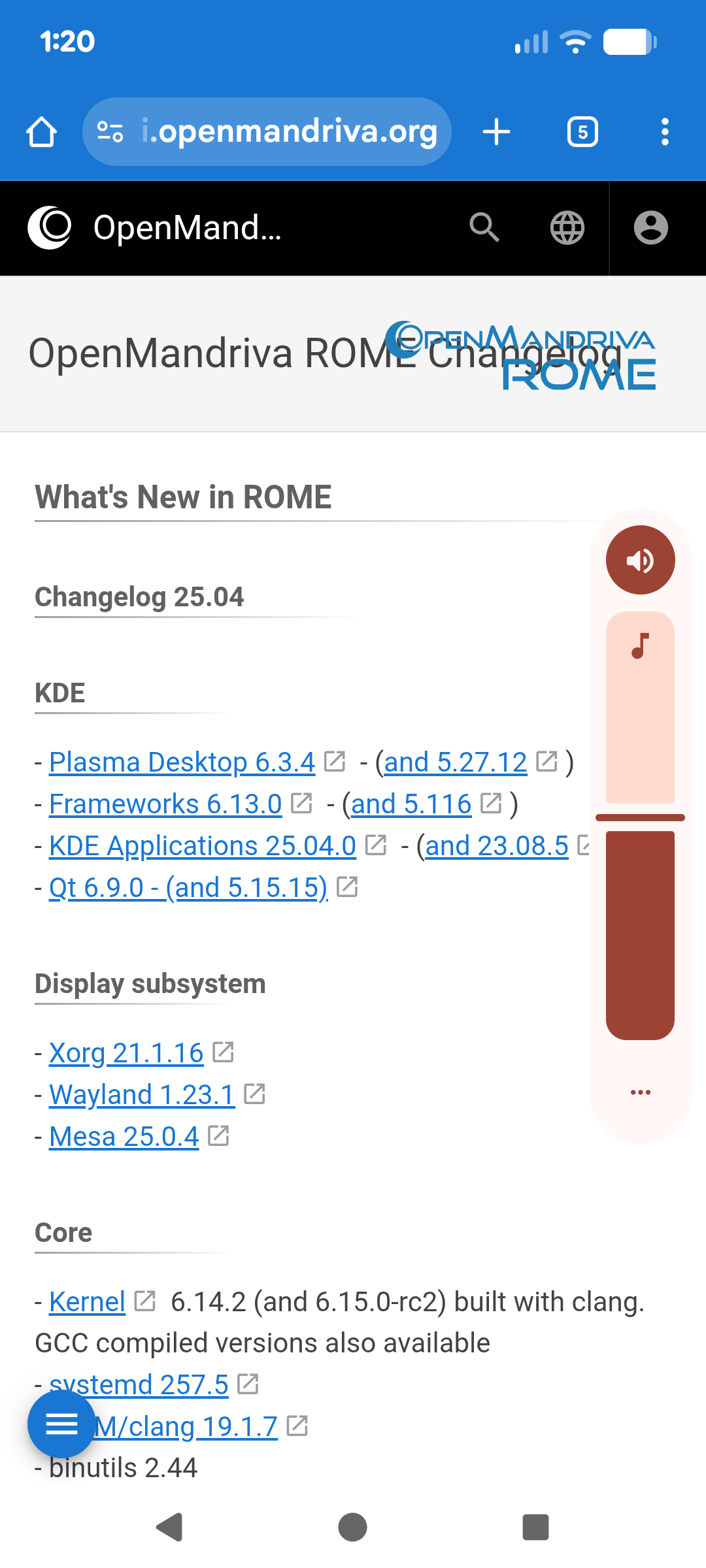
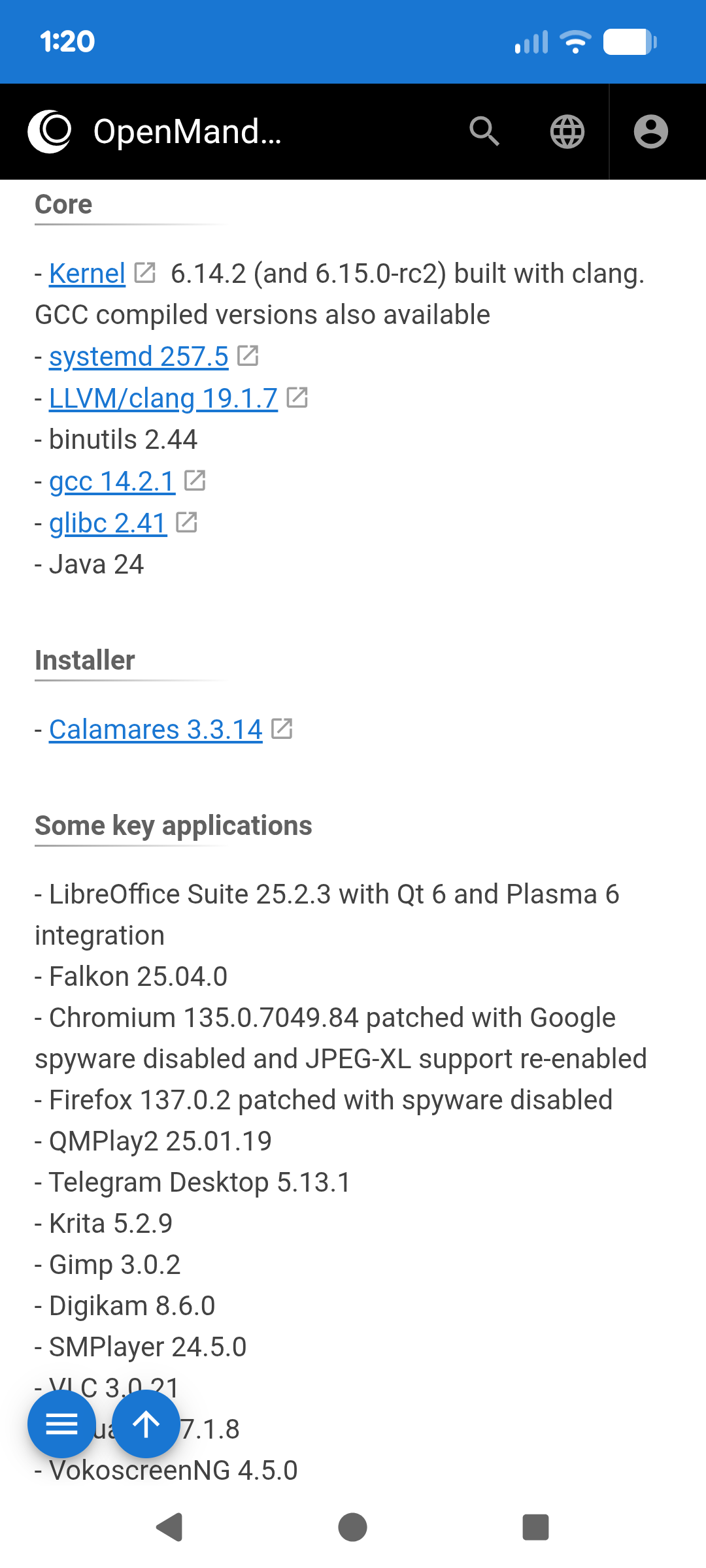
After installing Go, I decided to also make sure my Java env was good but found out it was not. It’s not found. “java -version” returns java not found. I checked the changelog and it says Java 24 should be included. This is a fresh install from a recent ISO. I’ve checked for updates almost daily. Is there something I need to do or read in order to get Java working? Also, I discovered that “make” was not installed, which feels odd. The changelog also states make should be installed. I’m starting to wonder if I did something wrong during the install, somehow.
I think you misunderstood me. I am a developer with 30 year experience. I’ve used Java since ver 1. I was simply stating that after installing from the iso, Java and the make utility were not present in the distro. As far a go, I had no issues with go. I’m fairly new to OM so I just expected Java and make to be available after installation since the release notes stated that.
I didn’t intend to give the impression that I misunderstood you. I was simply providing you with the resources you needed to solve the issue you were facing, and find out where it says that in our documentation so it can be changed.
In the above image, it shows “Java 24”. I was assuming it’s a part of the distro, along with the make utility. Neither were present on my system after installation.
In the future, can you please provide the link instead of a screen cap?
I understand some new users have restrictions where they cannot do that. @rugyada should be able to assist with that at some point.
The changelog only provides changes that are made from version to version. It’s not indicative of what may be installed by default. Otherwise, we would have to make an asset list of every install scenario that we offer (X11, Wayland, Plasma, GNOME, server, etc…). It’s usually better to review what packages are available using the resources I provided in the first reply.
As a general rule, we favor debloating our packages and installs. Meaning we don’t try to overburden someone’s default or development experience with things they may or may not need.
I think this is a fine approach. I prefer the “less is more” approach. I tried to install java using the dnf tool without success. I’m sure it’s me, so I just need to read more to figure out what I’m doing wrong. Thanks for the info & help.
Of course, I still can’t get Java to work. I used dnf to install “java-24-openjdk-devel-0:24.0.0.12-1.znver1”. I typed “java -version” and it tells me command not found. Am I supposed to have to do something else?
sudo dnf in java-21-openjdk-devel should give you a working runtime. The Java 24 JDK should still be there, it will just need to have the runtime fixed.
I came across a similar experience with setting up a Java dev environment, when starting out using OMLx for the first time. While I am a JDK17 user (it shouldn’t matter the version) I couldn’t get the specific JDK I needed in my $PATH, even when using alternatives and messing with .profiles(both in /etc and /home). Funnily enough, installing maven would set JDK21 on my path and as the default version, regardless of which other JDK I installed, 21 was the only version detected.
If you installed java-24-openjdk (devel, etc), you will see it in your /usr/lib/jvm/ directory.
After much research and fighting with my profiles, I ended up creating a script that would automate setting up Java in my alternatives, so I could have multiple versions setup correctly in my path. If you think it may help, you can customize and use it however you need.
@zeroability If it is not okay to paste scripts like this in the forum, please let me know the best way to go about it.
#!/bin/sh

# CHANGELOG
# v4 TBD - Accept flags for help and debug
# v3 TBD - Accept command line arguments, replacing the hardcoded JDK*PATHs
# v2 (2025/10/20) - Updated to install the `man` files as well
# v1 (2025/10/20) - Install JDKs 17 and 21 along with their binaries

# Usage:
# OpenMandriva Lx 6.0
# $ sudo ./install-jvms.sh [/path/to/jdk17 /path/to/jdk21 path/to/jdkN *]

# Modify this to accept command line arguments (in the future)
JDK21PATH=/usr/lib/jvm/java-21-openjdk
JDK17PATH=/usr/lib/jvm/temurin-17-jdk

for jdk in $JDK17PATH $JDK21PATH
do
    ALT="update-alternatives --install /usr/bin/java java $jdk/bin/java 90"

    for b in $(ls $jdk/bin | grep -v ^java$)
    do
	ALT="$ALT --follower /usr/bin/$b $b $jdk/bin/$b"
    done

    if [ -d $jdk/man ]; then
      for m in $(ls $jdk/man/man1)
      do
	  ALT="$ALT --follower /usr/share/man/man1/$m $m $jdk/man/man1/$m"
      done
    fi

    # Debug
    # echo $ALT
    $ALT
done
Once completed, run sudo alternatives --config java and select the version you need.
I don’t see a problem with that. It’s formatted correctly. @bero may have some additional insight about the jre path and how that will get fixed. Perhaps you two could work that out for the packaging.
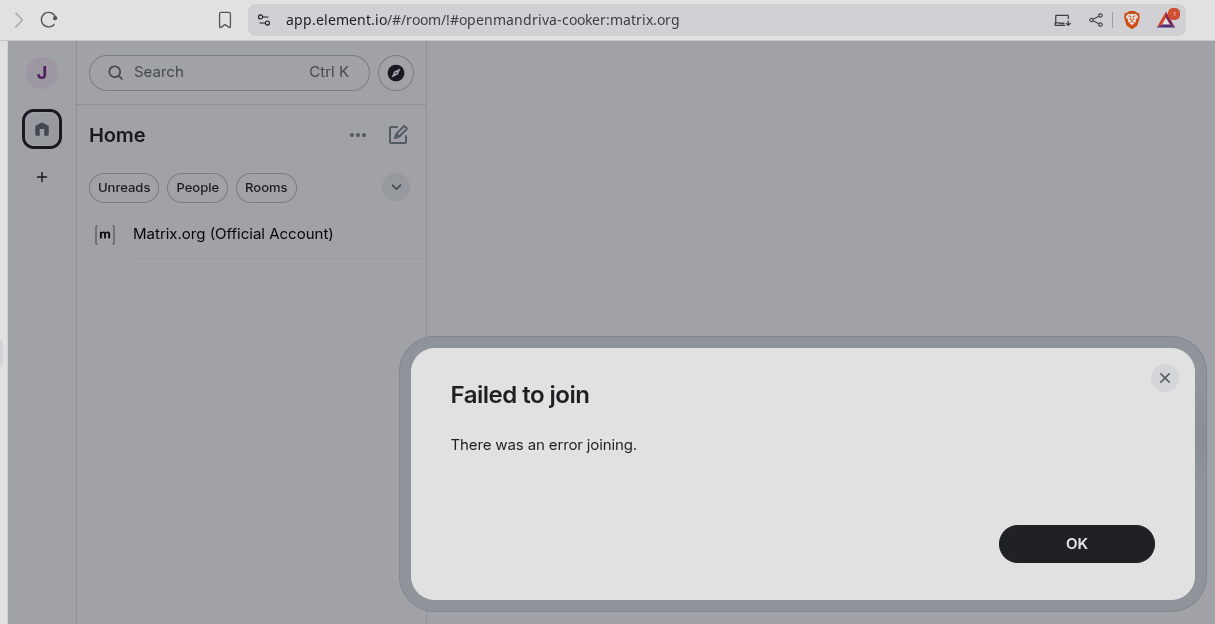
The best thing to do then is join the Cooker chat channel. Our realtime dev communication occurs there and you will probably need to ask about getting set up with an ABF account in there. Having an account on GH also helps, but it’s not required.