OpenMandriva Lx release 6.0 (Vanadium) Rock for x86_64
Desktop environment (KDE, LXQT…):
KDE
Description of the issue (screenshots if relevant):
PROBLEM:
Using multiple screens with the OS black screens OMD on all versions when I use Wacoms Cintiqs.
All of them take a long time to log with a black screen with a “_” in the top left corner of every screen.
It then logs in and things work fine including extending the screen on the secondary screen.
In about a minute or so OMD crashes and I have to reboot.
SRemoving the additional screen from the equation keeps OMD completely stable.
WORKAROUND:
Plugging out the video component of the Cintiqs stabilises OMD. Same with using other types of screens that aren’t tablets, but that means having only one screen to run OMD.
Relevant informations (hardware involved, software version, logs or output…):
Tried Rome, Rock, 6.0, etc. All of them have the same issue.
Nvidia 580 driver. Previous testing also done on 565 and 570.
Nvidia 3060 card.
Wacom Cintiq 13" HD from 2013 and Wacom Cintiq 16 inch 2025 (only got this one last week). Drivers work fine when drawing since the tables have pen pressure and everything with zero issues to how they function.
Same hardware is stable on Linux Mint 21-22 and Windows 10 with function.
Tried Wayland and Xorg and the same issue happens with both.
The rest of OMD works perfectly normal besides this one crash bug affecting multiple screens usage.
Re-installed OMD several times with various installation methods.
Crash happens regularly the moment I install Nvidia drivers on a fresh install.
This is the byproduct of a server migration. @raphael is working on that.
This is not ours.
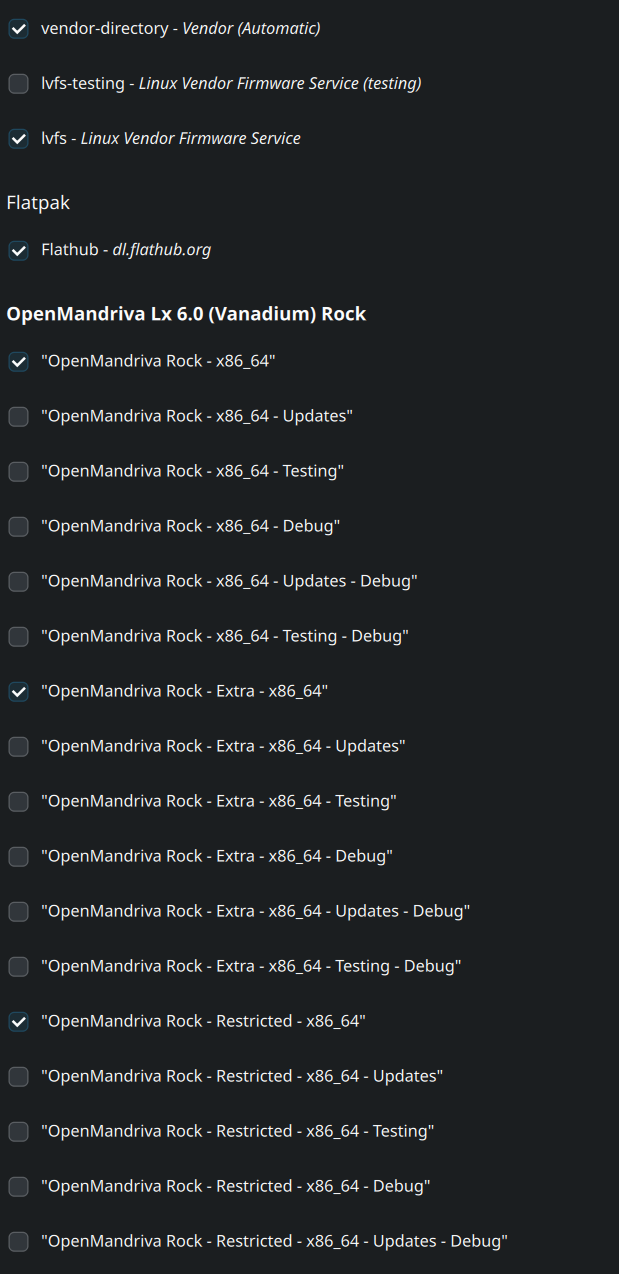
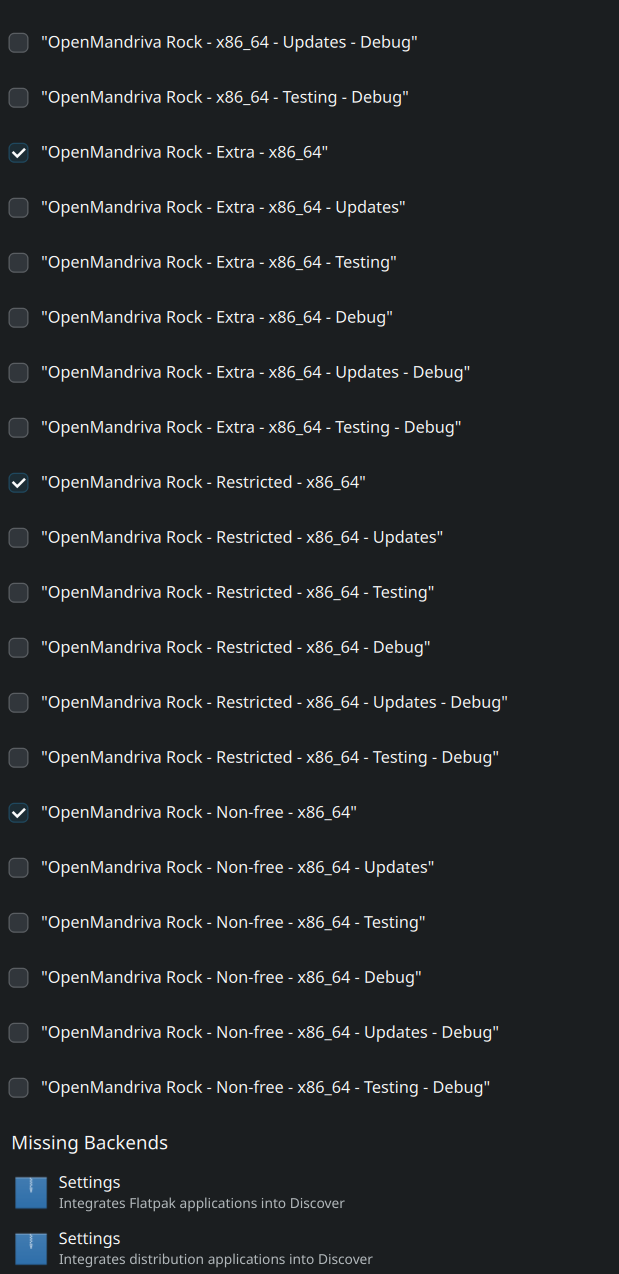
Are you using the drivers from our non-free repo, or did you do something else like install them from nvidia or use the dkms package from the non-free repo? Is your card supported for the open driver?
I experienced these things before I started using those repositories however. The main trigger for the crash happening is when I follow the recommended Welcome screen method of installing the Nvidia drivers. I was able to achieve this with fresh install with zero adjustments to anything besides installing the recommended Nvidia drivers.
As long as I do not install the Nvidia drivers the multiple screens work. If I install and reboot my PC the crash will consistently happen like I described in my original post.
One common thing has been HDMI and sometimes hybrid video setups (intel + nvidia, etc). With your favorite search engine, you can find there are a lot of this issue happening:
Per the testing thread (and just in general), nvidia users have to be prepared to comb through nvidia’s forums (and other forums) to get some information for us to help. This is because, the code is closed source. We will need some logs with journalctl and possibly with x11 or wayland. Cooker (and soon ROME) with have xlibre and that seems to have its own challenges with nvidia (which there may only be one tester to see if their fixes for that work).
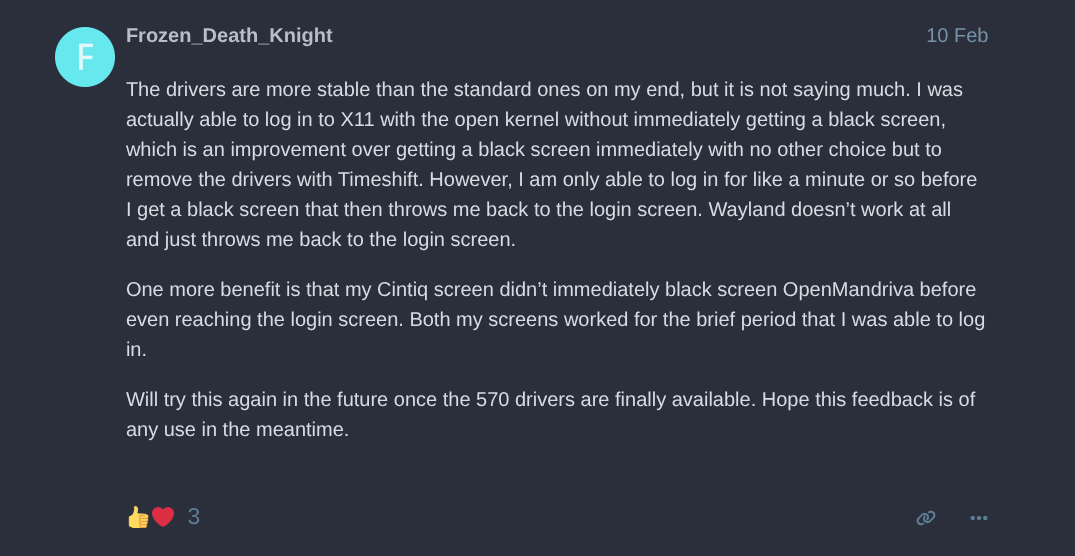
I just tried the drivers in that thread you sent and those crashed as well. Been trying to reach out to Nvidia as well about the crashes earlier this year. We’ll see if those drivers become more stable at some point.
Try it without the exotic hardware, and see if it works. Maybe try hotplugging it and see if it works. There may be a config that needs to be made for the resolutions to work. It sounds like an out of range issue and the graphics server just gives up. We would know more with logs.