Hello,
Been running OM on a old i3, 16GB RAM laptop for 6 months or so. No problems at all. Hadn’t started it for a couple of months. Started it up today and did two things:
Ran updates – seemed fine
Install VirtualBox via DNF
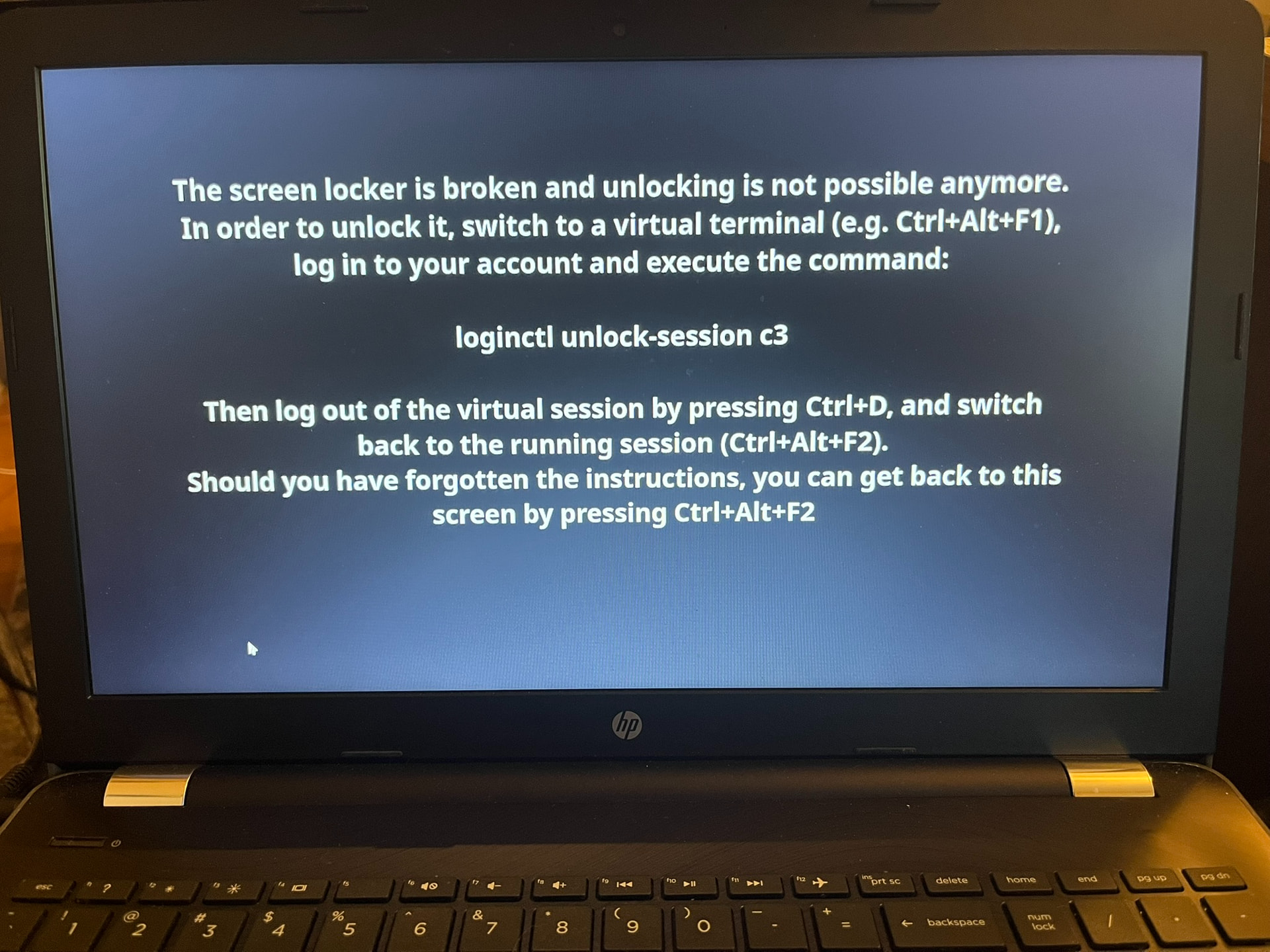
After those two things I got a very strange error (shown below).
I rebooted and after that I got the following console error - OM wouldn’t start any more: x86/CPU: SGX disabled or unsupported by BIOS.
I looked in BIOS and it was set to “software controlled”
I tried different options (enabled, disabled) but OM still won’t boot on the laptop.
Thanks for any help.
FWIW screen lock (or better un-lock) in KDE Plasma has been an issue since the beginning.
I remember there have been bug reports at KDE bugzilla for ages. To be honest I did not check recently.
Did you do what that screen-shot said to do? You would do something like Ctrl>Alt>F4 and login to the tty there and run loginctl unlock-session c3. You might need to run sudo loginctl unlock-session c3.
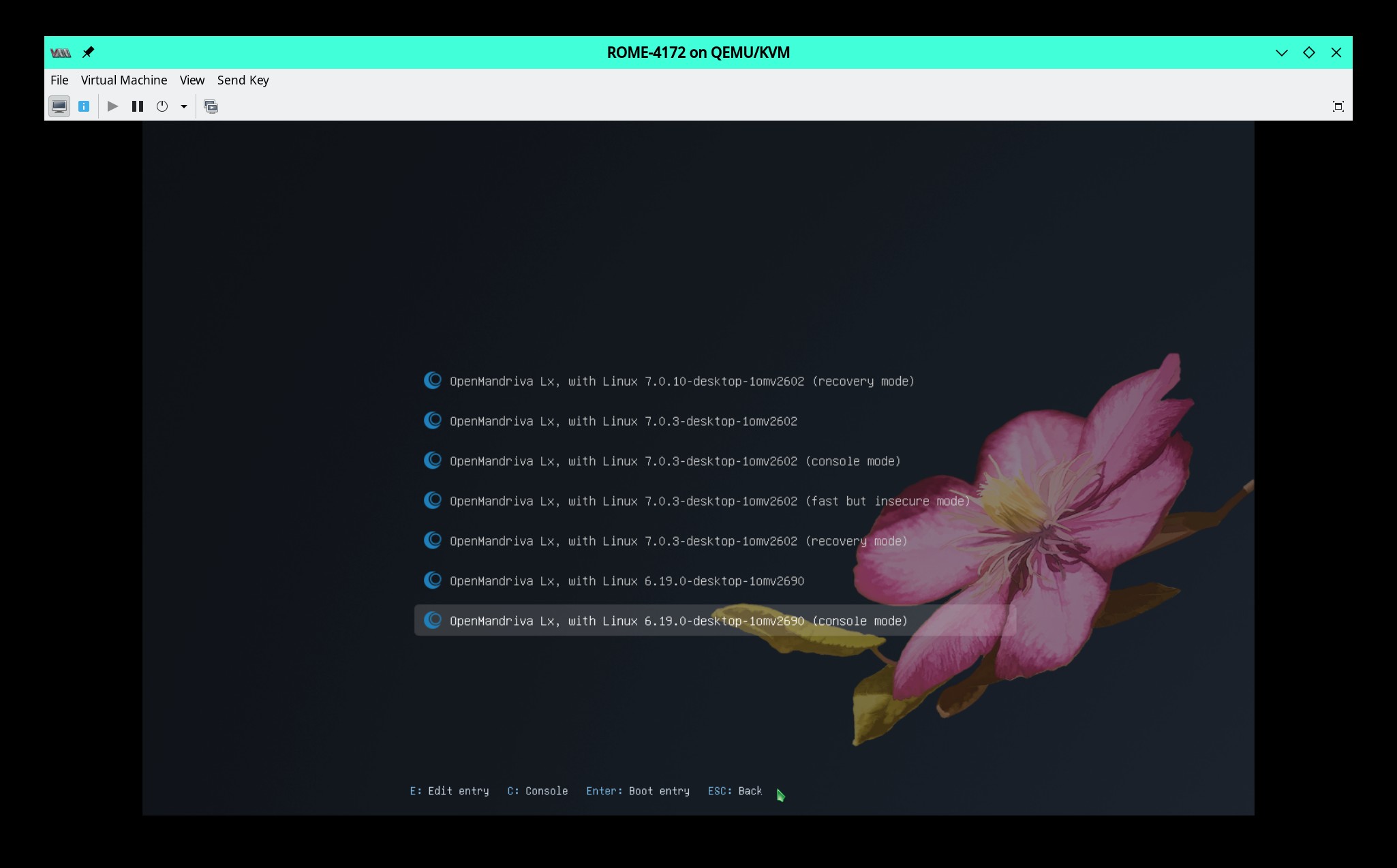
But to fix we would need to thing. You need to be able to login to a virtual terminal with Ctrl>Alt>F3 or F4, F5, or F6. Or boot to Console Mode.
Don’t worry about the kernel version the important thing is whether you can or can not get to a terminal where you can login as user or root. If you can do that this is probably something we can fix.
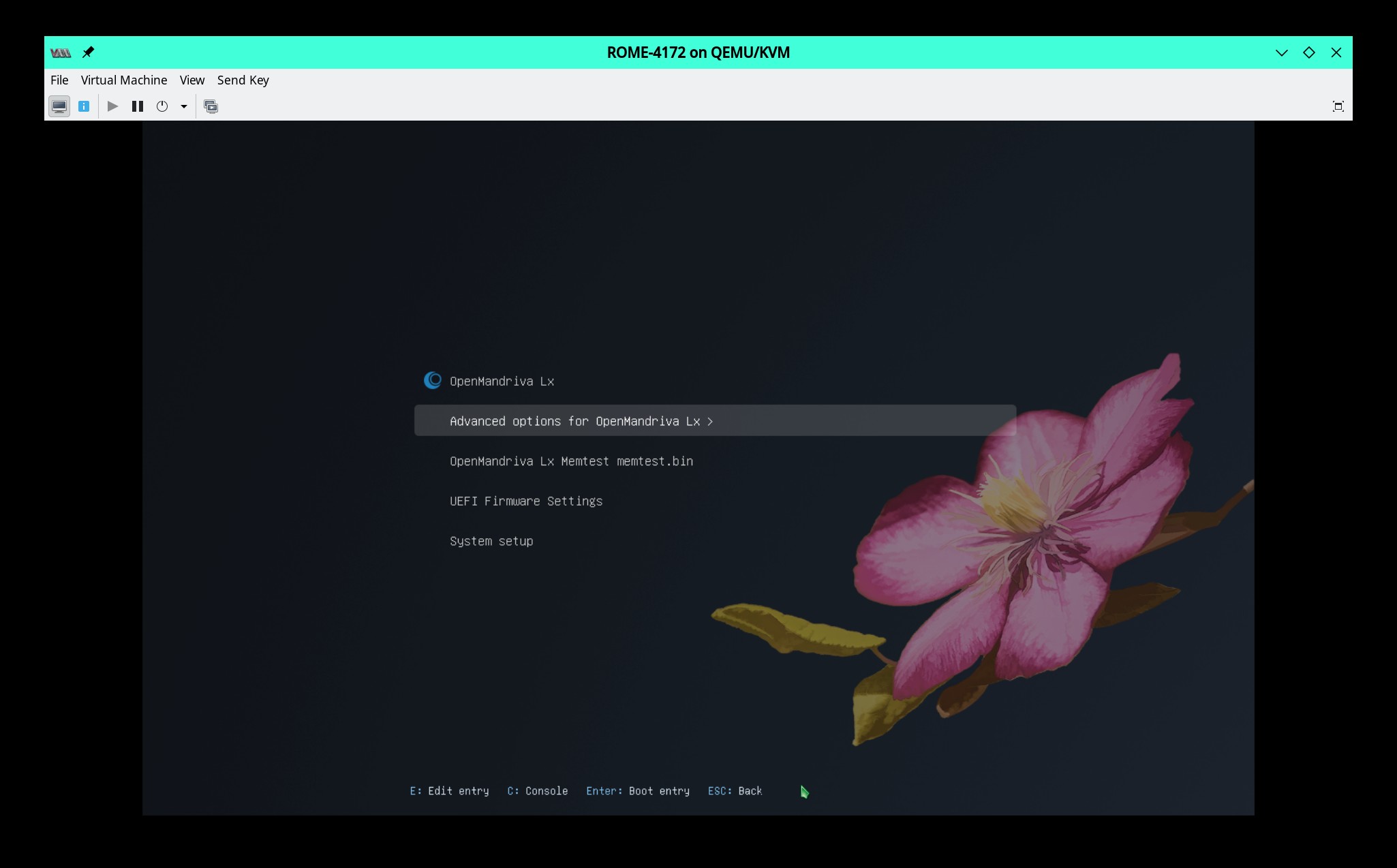
@raddevus another possibility is if that upgrade had a kernel upgrade try booting in to an older kernel and see if that does anything different. You would find an older kernel under “Advanced Options” same place where you fine “Console Mode”.