Hello again, finally i resolved my issue, i started to configure my printer not of the System Settings but from menu Settings > Printing Settings, clicked on the field ‘find network printer’ and in the right part of the window i entered the IP of my printer
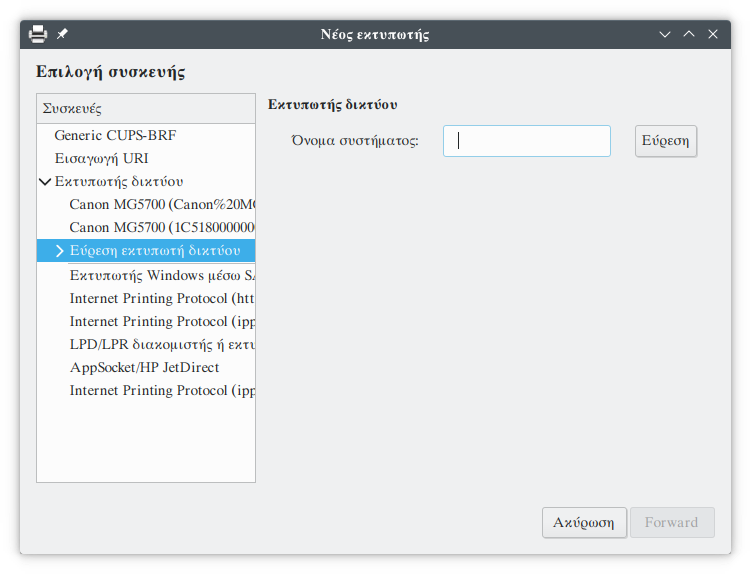
when i clicked on the find button on the right part it brought me 88 results !
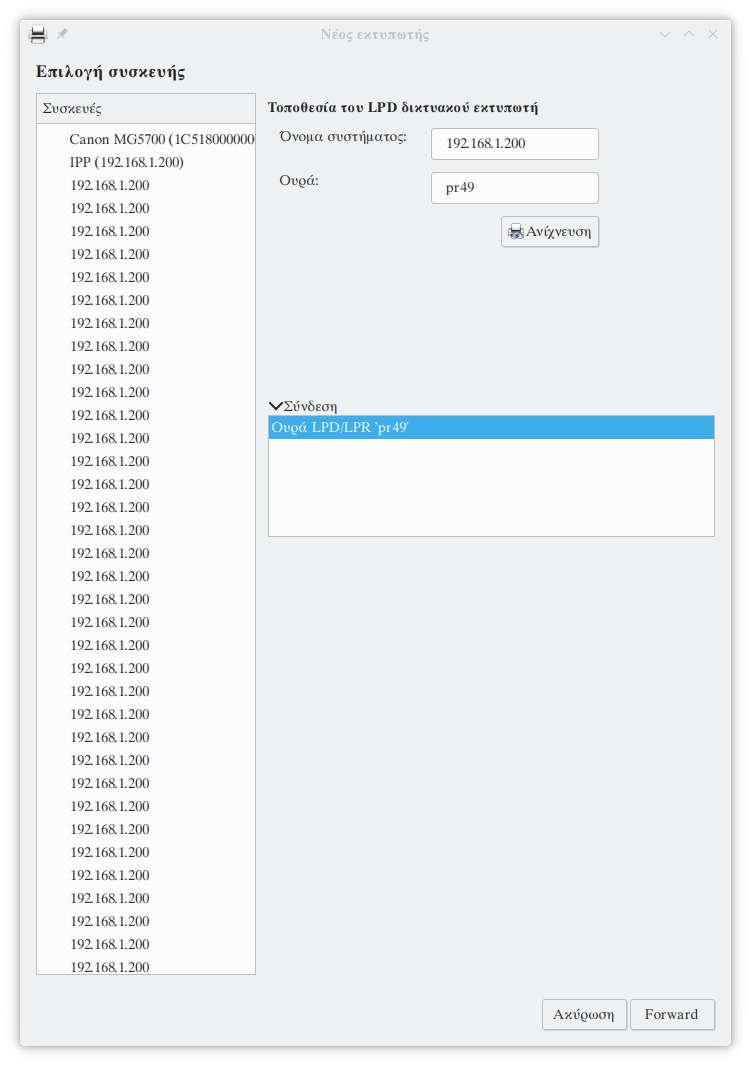
Then on the right part i clicked the button detection, and then the Forward, on the next step i chose the driver and that’s it.
I used this process in the past every time who i updated my system, or i did a fresh install, but on all previous releases when I was putting the ip of my printer it brought me only one choice, never never 88!
After i upgraded my system and goes to start setup my printer, i tried this way but when i saw the 88 results i don’t knew who one to choice, and I decided to setup the printer via System settings without any luck… After ben79’s advice i decided to try again and i solved my issue.