Hi,
Sometime back one of the users had requested support for installing OpenMandriva on LUKS2. It is closed now due to inactivity (30 day limit). This topic lead to GH issue #3083. I use encryption (on family PC), although had no idea about luks1 vs luks2. I am interested in this issue and for couple days now trying to get it to work. However, I felt my comments on GH looked more like journal entries of my troubleshooting than good GH comment. So I am raising this topic here to discuss any t/s or for possible long form discussion.
For the sake of completeness, currently on OM,
- Automated encrypted install works (both ‘Replace a partition’ and ‘Erase disk’ options; we have to select ‘Encrypt system’ option)
- Manual encrypted install works (both single partition as well as separate unencrypted /boot + encrypted system partition cases; we have to select ‘Encrypt’ checkbox at the right page)
So, as such there is no issue. However, the LUKS version used is luks1.
The OP from linked topic wanted luks2 option. It is not supported in OM mostly because it is not supported upstream (GRUB) with GRUB2 having limited support for luks2 (only pbkdf2 is supported whereas default algorithm for luks2 is argon2id).
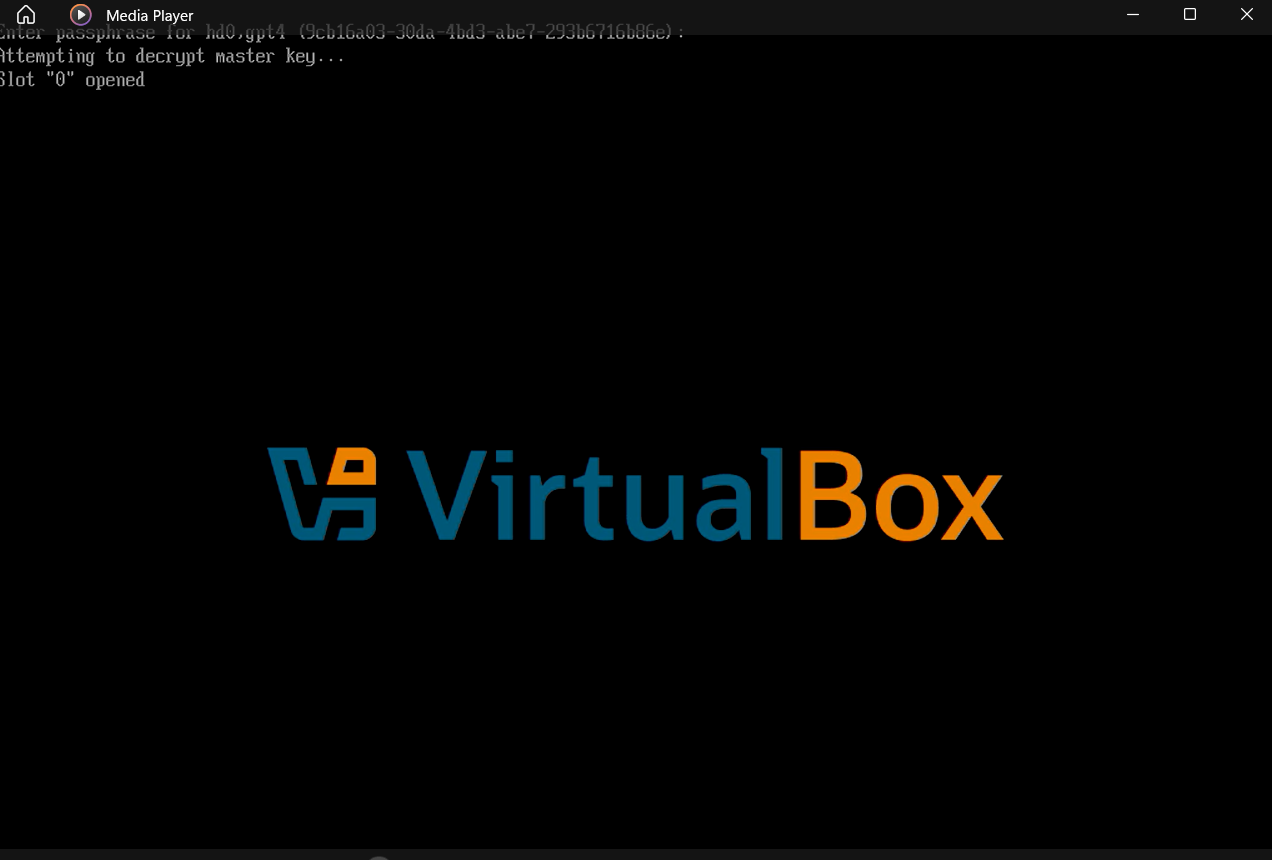
In the issue, @zeroability had linked a calamares option to enable luks2. This was to add luksGeneration: luks2 in the file /etc/calamares/modules/partition.conf. This works in the sense cryptsetup will now use luks2 and the installer completes without failure. However, when we reboot, grub fails to unlock the (correct) passphrase. This is because grub does not handle the default ‘argon2id’ algorithm.
I tried converting this after installation from argon2id to pbkdf2 (with cryptsetup luksConvertKey /dev/sda4 --pbkdf pbkdf2) and then regenerating grubx64.efi, initrd and grub.cfg but inspite of this grub fails to decrypt the partition.
However, we can use luks2, if we also use an unencrypted /boot partition. In this case it is not grub, but initrd which decrypts (with a nice GUI). This can be a manual partitioning scheme or as Lubuntu has done it, a setting in the /etc/calamares/modules/partition.conf file so that it is easy on users. Their file reads like below.
enableLuksAutomatedPartitioning: true
luksGeneration: luks2
partitionLayout:
    - name: "lubuntu_boot"
      filesystem: ext4
      noEncrypt: true
      onlyPresentWithEncryption: true
      mountPoint: "/boot"
      size: 4G
    - name: "lubuntu_2504"
      filesystem: unknown
      mountPoint: "/"
      size: 100%
This creates a /boot partition of 4G (rest for ‘/’), only if we choose to encrypt but otherwise a single ‘/’ partition. With this setup, both ‘Replace a partition’ and ‘Erase disk’ options with ‘Encrypt system’ checked, will result in a working luks2 encrypted install.
So, if we choose to enable luks2 in the installer, we should either,
a) also have custom partition layout like above (probably correct approach), or
b) make sure users refer to @ben79’s article of How to install OMLx with encrypted / and /home . This is difficult to ensure (especially not before users try installation first).
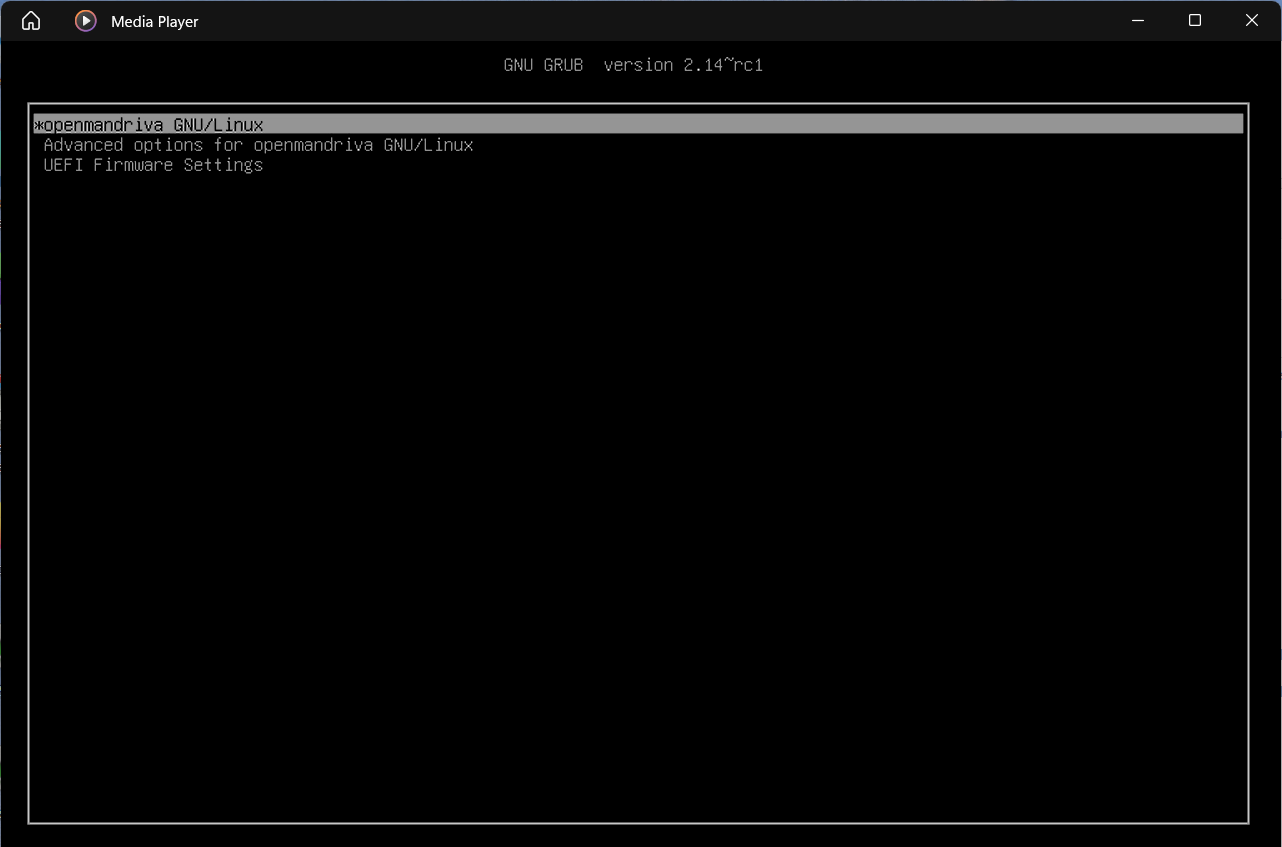
Now, while working on this I came to know there is a patch to add Argon2 support approved upstream (GRUB). However, I did not have success using it. I failed first at patching it (build was failing giving error, “7 out of 7 hunks ignored”). I tried creating a 2.14-rc1 package. This also failed somewhere around applying omv configuration patch. I then built grub2 from source (on live CD). It installs OK but fails to decrypt after install. Not sure what I missed.
Hopefully when grub-2.14 finally lands in OMLx, this issue will be solved (properly without any hacks).
P.S.: @Anon0233, if you are still around and interested, please test the lubuntu hack mentioned above and give feedback.