I have been playing around with YubiKeys. I have been using them for several months as a 2nd factor authentication for this forum and others, GitHub, Social Security, Proton Mail, etc. and I no longer need my old Microsoft Authenticator app and I removed it. I still need the Steam Authenticator as they do not support Passkeys yet and maybe never will. They are Steam and do whatever they choose.
@vuatech decided to get one and we are testing them out as a 2nd factor at the OpenMandriva login. You put in your password as you normally would. Then the key starts flashing and you touch it. The login completes. Sweet!
Since this changes the login, it does break the autologin for kwallet and you have to manually login to that. I could replace it with keepassxc, but it does not support FIDO2 and has the same issue.
I could set this to apply to su and sudo, but I really don’t want to go that far just for my home PC. It appears to be a simple process.
pam-u2f and pamu2fcfg are in cooker and could use a bit more testing. They are both Yubico programs, so I don’t know if they would work for non-yubico keys.
@vuatech is working on a How-To and he will post it soon.
Very interesting…
I have somewhere a yubikey and would like to make use of it.
Can you share some pointer to how-tos or similar to configure and use it?
I managed to get mine working, but only with Password + Passkey. I have not gotten it to work with Either. I am afraid to help you lock yourself out of your PC. I would feel really bad if that happened. I suggest waiting till @vuatech gets his How-To posted. A lot of it is over my head.
In the configs, required needs both and sufficient needs either.
I just put mine in folders and when I need them, open the folder and click them to run them.
Use the YubiKey Manager to set the PIN number for the FIDO section. Then the key can be used to add a 2nd factor to most things that take an authenticator app. Just go to their section on Security and see if they offer PassKey support. If so, just click add PassKey. It should ask for that PIN number. Enter the PIN and the key should start flashing (at least mine flashes) and you just touch the key.
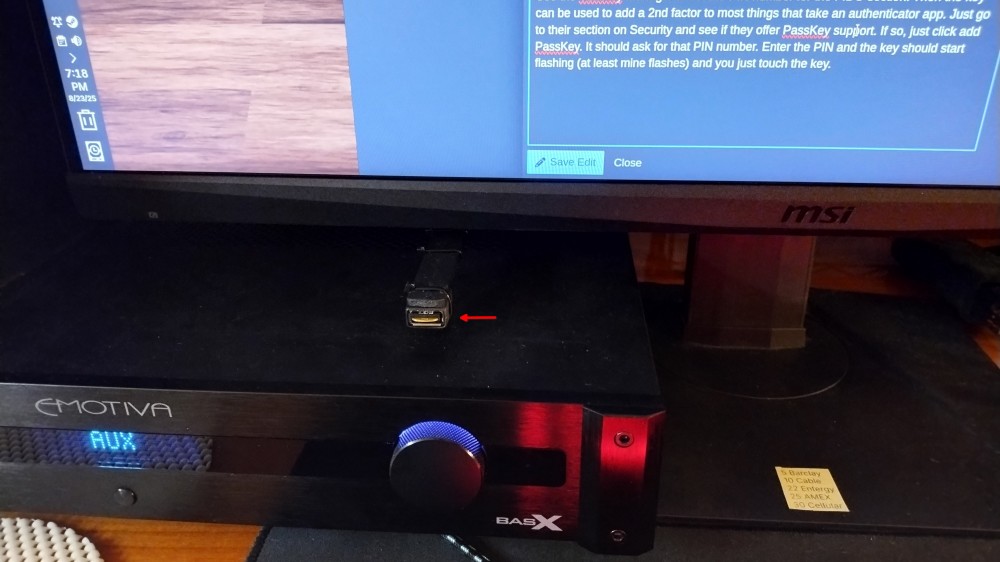
I bought a short USB extention cable and mounted my key in front of my monitor. It is handy there. I wish keyboards came with USB ports.
Pam-u2f is for any fido2 compliant hardware. As long as the device can initiate an input on key press it should work. I imagine an usb device that mimics a keyboard could be used with some work.