gcc kernel is compiled with gcc, non-gcc is compiled with clang. The latter is OM default.
Common users can remove the rc version, unless they really need it for some reason (test if your hw will be supported or such)
The last kernel you booted is selected by default in grub for the next boots.
.##.
The reason why you have all these kernel versions is mentioned in the topic link here above.
Do:
sudo dnf remove hfsutils
if it’s still there.
You can remove all the gcc-* kernels if you wish. And probably the rc.
I’d keep the kernel-server (not gcc) available just in case, because some users reported that it works better under certain circumstances.
If I do uname -r I realize I am using the server kernel
6.14.0-server-gcc-3omv2590
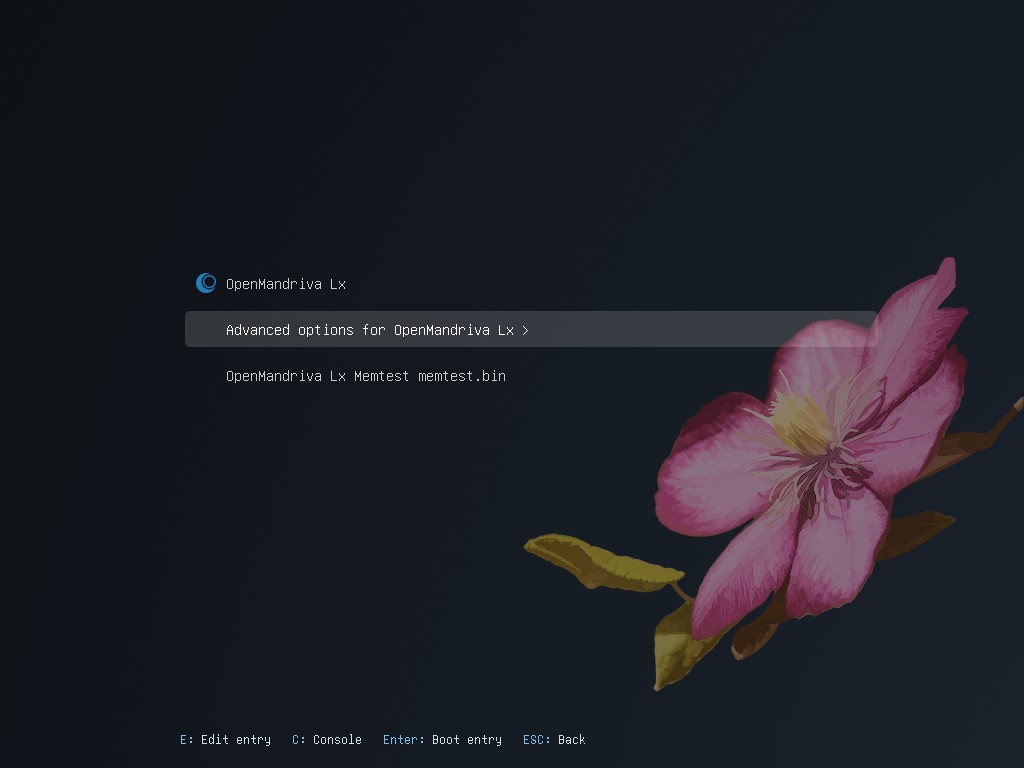
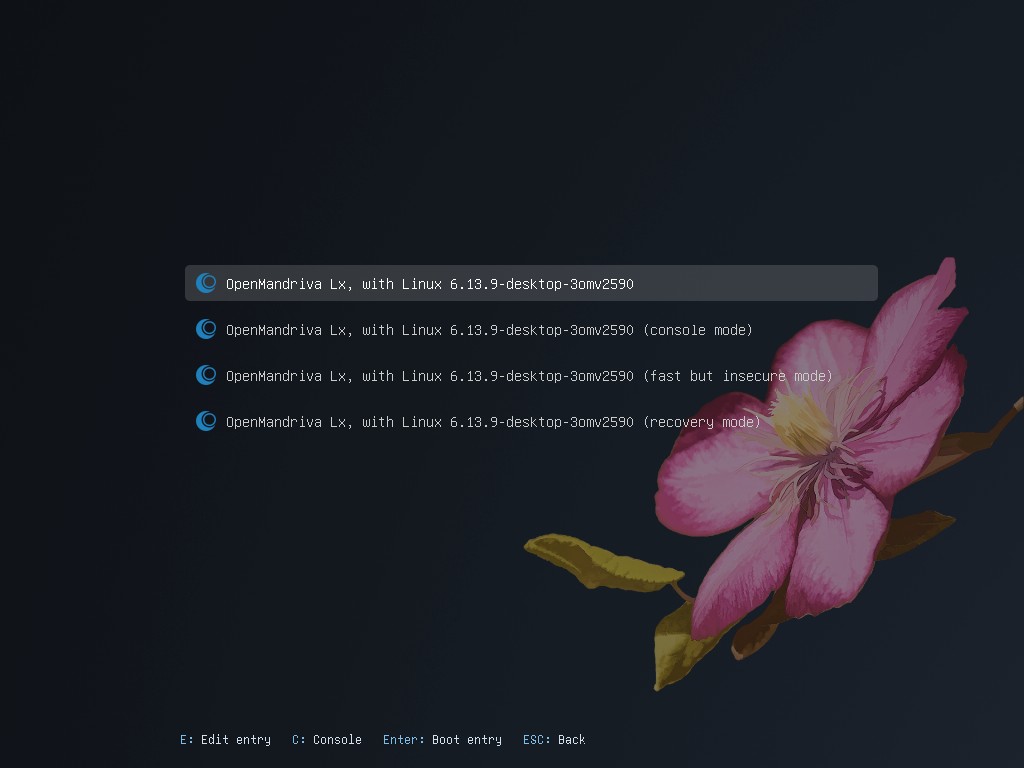
So in order to be able to remove this gcc one, at the grub screen you select
Advanced options > kernel-server-6.13.10
otherwise of course you cannot remove the kernel in use.
(there should be also the regular kernel-desktop (clang compiled) but I don’t see it in your list)
^^
Notice in this screenshot published as an example I have just one kernel installed, you may need to scroll down the list with the arrow-down key
After you are done with some spring cleaning we’ll see the rest if you so wish 