Hello,
Requirements:
I have Searched the forum for my issue and found nothing related or helpful
I have checked the Resources category (Resources Index)
I have reviewed the Wiki for relevant information
I have read the the Release Notes and Errata
OpenMandriva Lx version:
OpenMandriva Lx release 25.11 (ROME) Rolling for x86_64
Desktop environment (KDE, LXQT…):
KDE
Description of the issue (screenshots if relevant):
Buongiorno. Sto sperimentando sui miei portatili le ISO recenti di OpenMandriva Rome.
Su di un Dell Latitude: dopo aver tentato l’aggiornamento andato a male ho reinstallato una Iso (4305 X11) che mi ha dato problemi di riavvio improvviso, o meglio, mi rimandava al login dopo uno o due minuti di attività.
Ho scaricato allora un’altra Iso (4317 Wayland) e l’ho installata per prova su un Acer Aspire. Ha funzionato, non si riavvia… ok, la metto anche sul Dell. Tutto ok, o quasi…
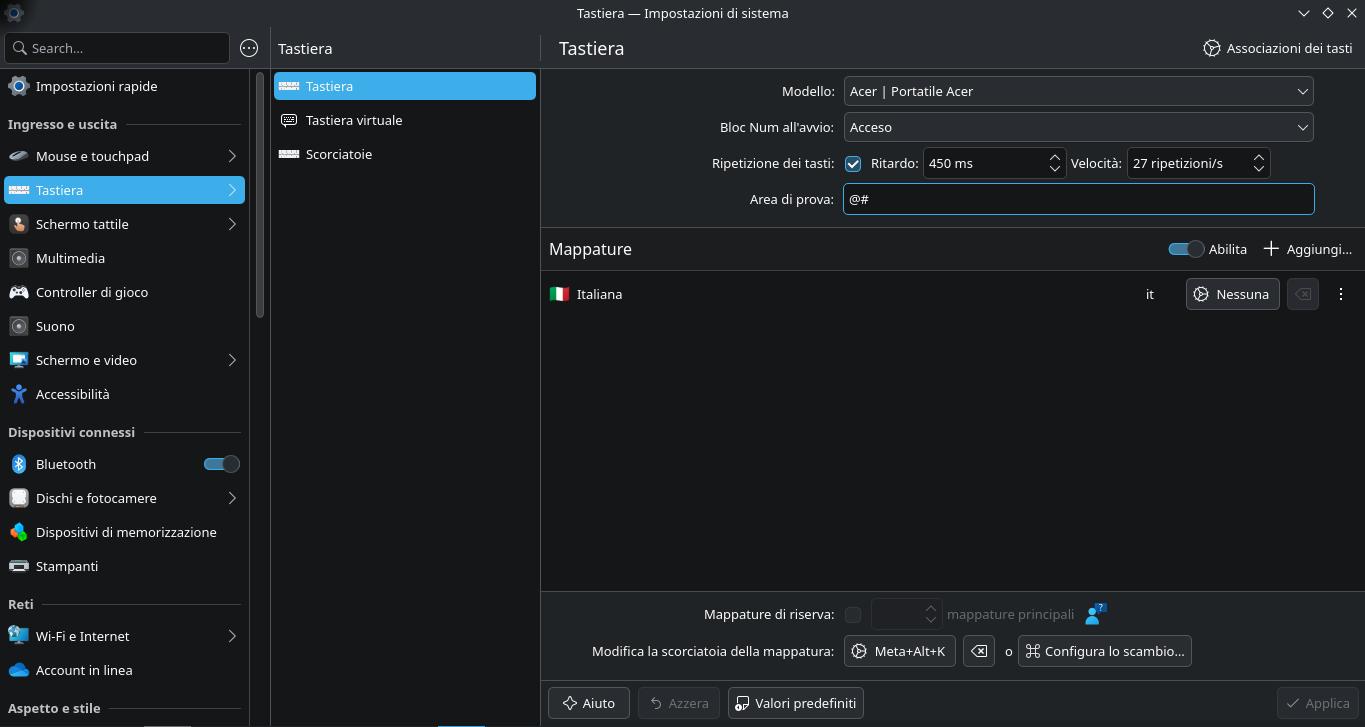
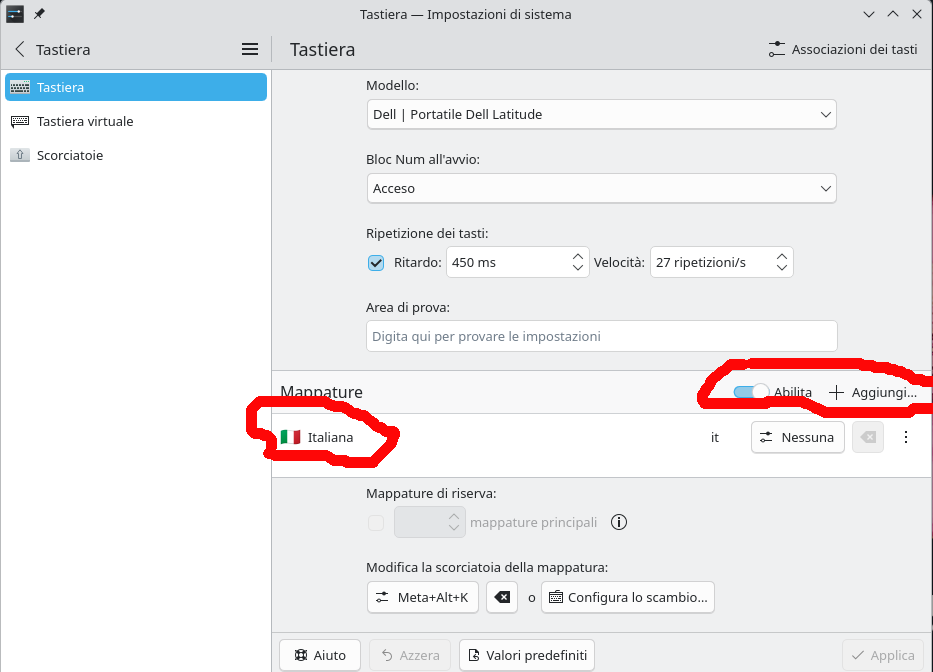
Problema tastiera: su entrambi i pc la mappatura, pur avendo scelto tastiera italian, non funziona al 100%… le combinazioni con il tasto AltGr non restituiscono il risultato voluto (ad esempio al posto di @ restituisce ;). Ho risolto passando per Impostazioni di sistema, aggiungendo una mappatura corretta. Sul pc fisso, aggiornato all’ultima versione, questo non accade.
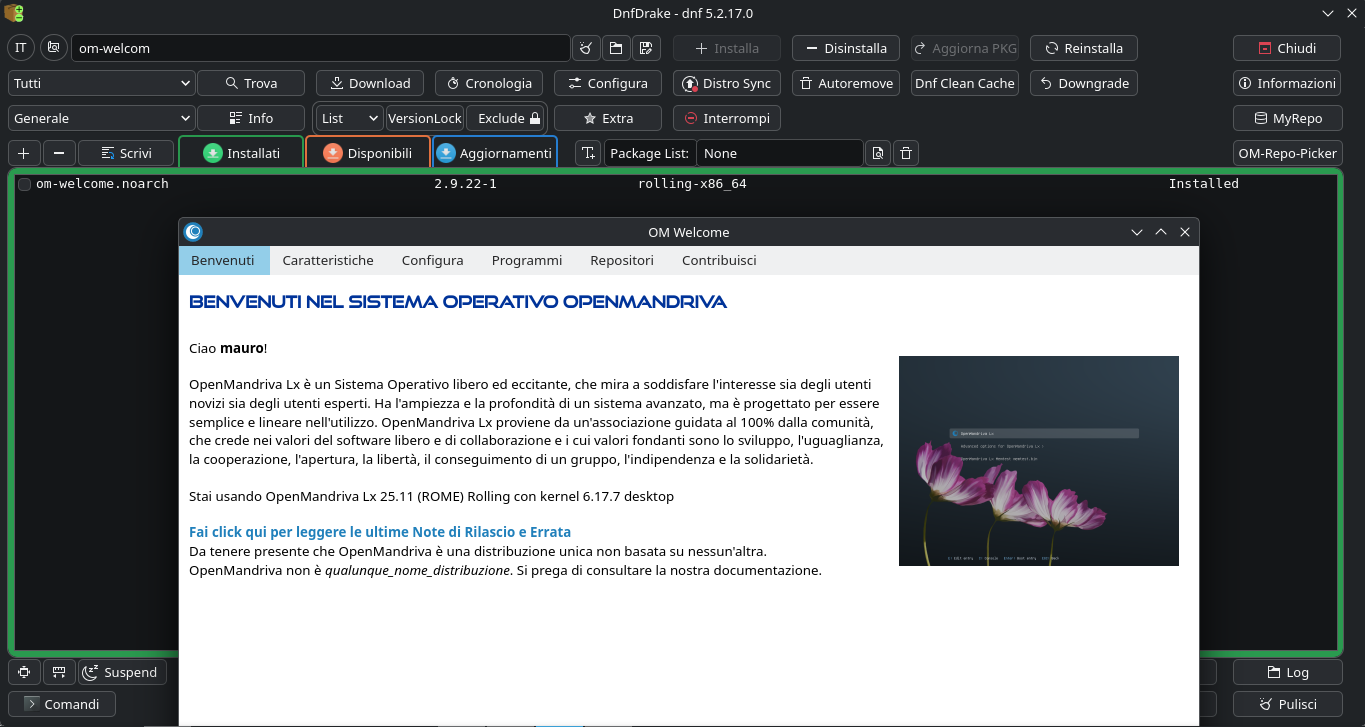
Ci sono altre piccolezze che si potranno sistemare con gli update, credo… ad esempio sull’Acer al boot appare la finestra di benvenuto, rimane bianca e poi sparisce. Stesso comportamento lanciandolo dal menu. Sul Dell invece questo non accade.
Il problema tastiera mi pare più grave… succede anche a qualcun altro?
Good morning. I’m testing recent OpenMandriva Rome ISOs on my laptops.
On a Dell Latitude: after attempting the failed update, I reinstalled an ISO (4305 X11) that gave me unexpected reboots, or rather, it would send me back to login after a minute or two of activity.
I then downloaded another ISO (4317 Wayland) and installed it for testing on an Acer Aspire. It worked, it doesn’t reboot… OK, I’ll install it on the Dell too. Everything’s fine, or almost…
Keyboard problem: on both PCs, the keyboard layout, despite having selected the Italian keyboard layout, doesn’t work 100%… AltGr key combinations don’t return the desired result (for example, replacing @ returns ;). I solved the problem by going to System Settings and adding the correct layout. On my desktop PC, updated to the latest version, this doesn’t happen.
There are other little things that can be fixed with updates, I think… for example, on the Acer, the welcome window appears at boot, stays white, and then disappears. The same behavior occurs when launching it from the menu. On the Dell, however, this doesn’t happen.
The keyboard problem seems more serious… does this happen to anyone else?
Relevant informations (hardware involved, software version, logs or output…):