Sometime users are asked to provide logs or otherwise more information when reporting an issue in OpenMandriva forum or bug reports. This is to help you do that.
If you can demonstrate what your issue is with a screenshot then do so. This is very helpful for people trying to help with your issue. You can post screenshots in forum posts and bug reports.
To get hardware info for the computer on which you are having the issue open Konsole (terminal):
$ inxi -Fz
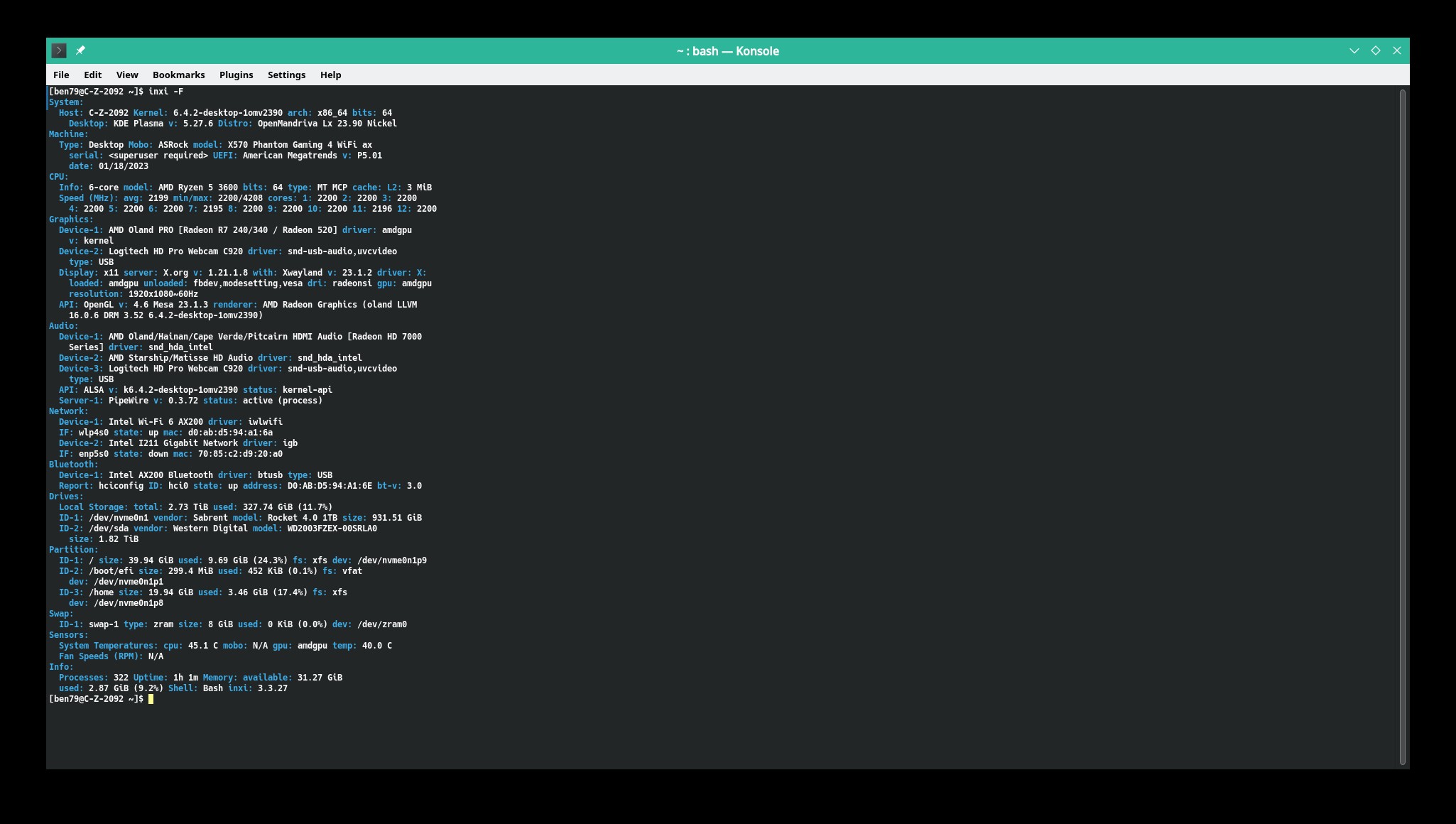
Now to easily get that information in a file for your forum post or bug report:
$ inxi -Fz | tee inxi-Fz.txt
That both posts the output for you to see and creates the file inxi-Fz.txt which you may then post where needed:
inxi-F.txt (2.5 KB)
You can find other options using inxi --help. People helping with a hardware related problem may ask you to use inxi with other options, that is fine just do as requested. You can modify the command as needed, changing the option from -F to what is requested and using what ever name for the file as long as the ending is .txt.
To get system logs for a forum post or bug report:
The system logs are called journal logs which are accessed with the command journalctl in Konsole (terminal). These can be accessed as user or root. Usually we access them as user.
$ journalctl
Or to access logs only for your current boot (-b):
$ journalctl -b.
You can find other options using journalctl --help. To create a log file for your forum post or bug report:
$ journalctl | tee journalctl.txt
or:
$ journalctl -b | tee journalctl-b.txt
People helping with a problem may ask you to use journalctl with other options, that is fine just do as requested.
There are other logs mostly in the directory /var/log.
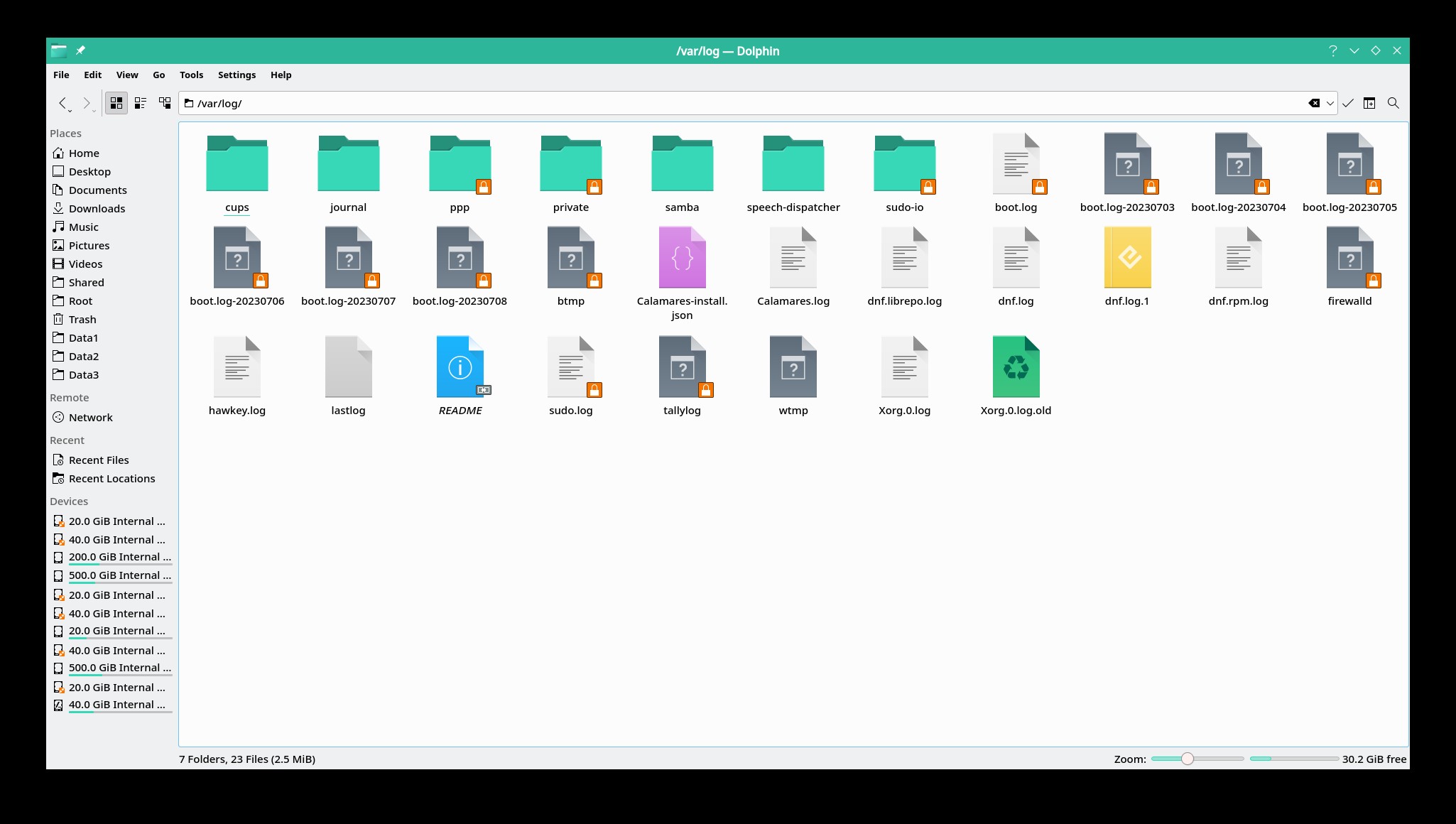
The logs users are mostly likely to need for some issues are dnf.log for issues regarding dnf transactions and Xorg.0.log for graphic issues with X server. The logs or directories with the orange icon with the lock are just that, locked. You need su or superuser or root permissions to open them.
Also if are using X server or X11 there is a xorg.session.log in /home/uname/.local/share/sddm/ (where uname=your actual user name). I believe there would be log here also if you are using wayland. The path to the log may be different for other (not Plasma) desktops if the use a different display manager instead of sddm. You can access them by become root (or superuser) in Konsole (terminal).
Needed: More detailed information about logs for problems when using Wayland.
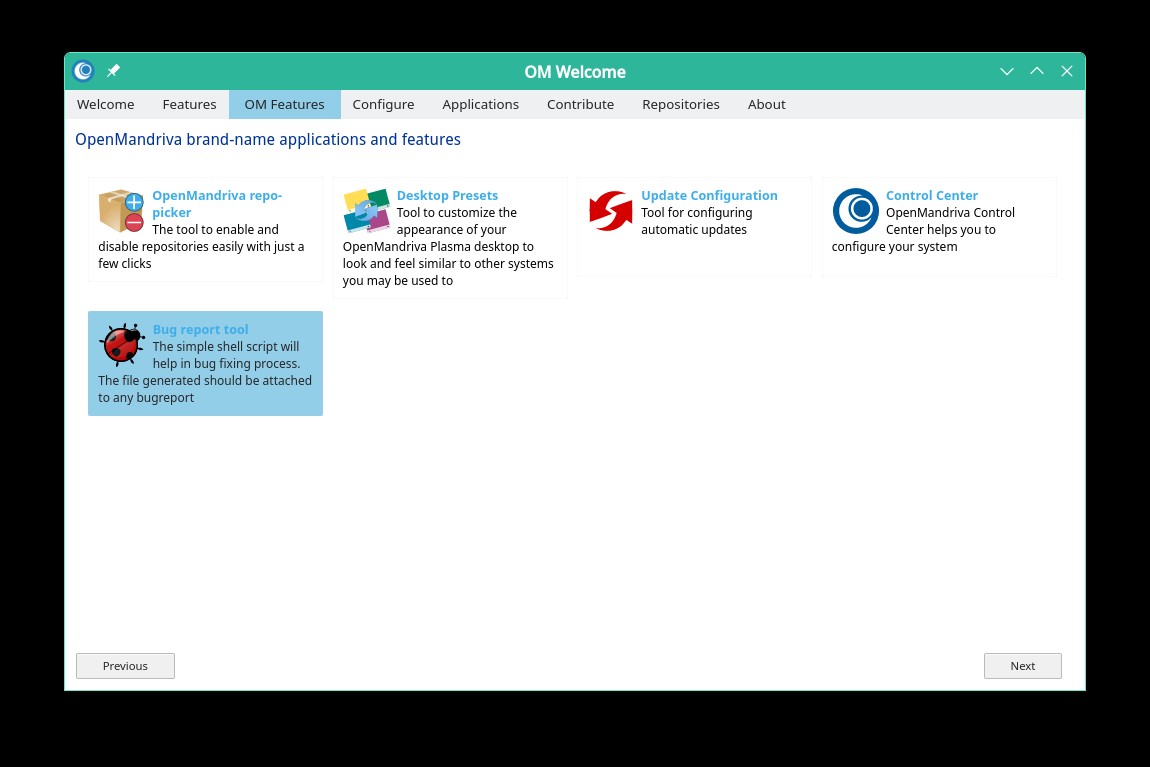
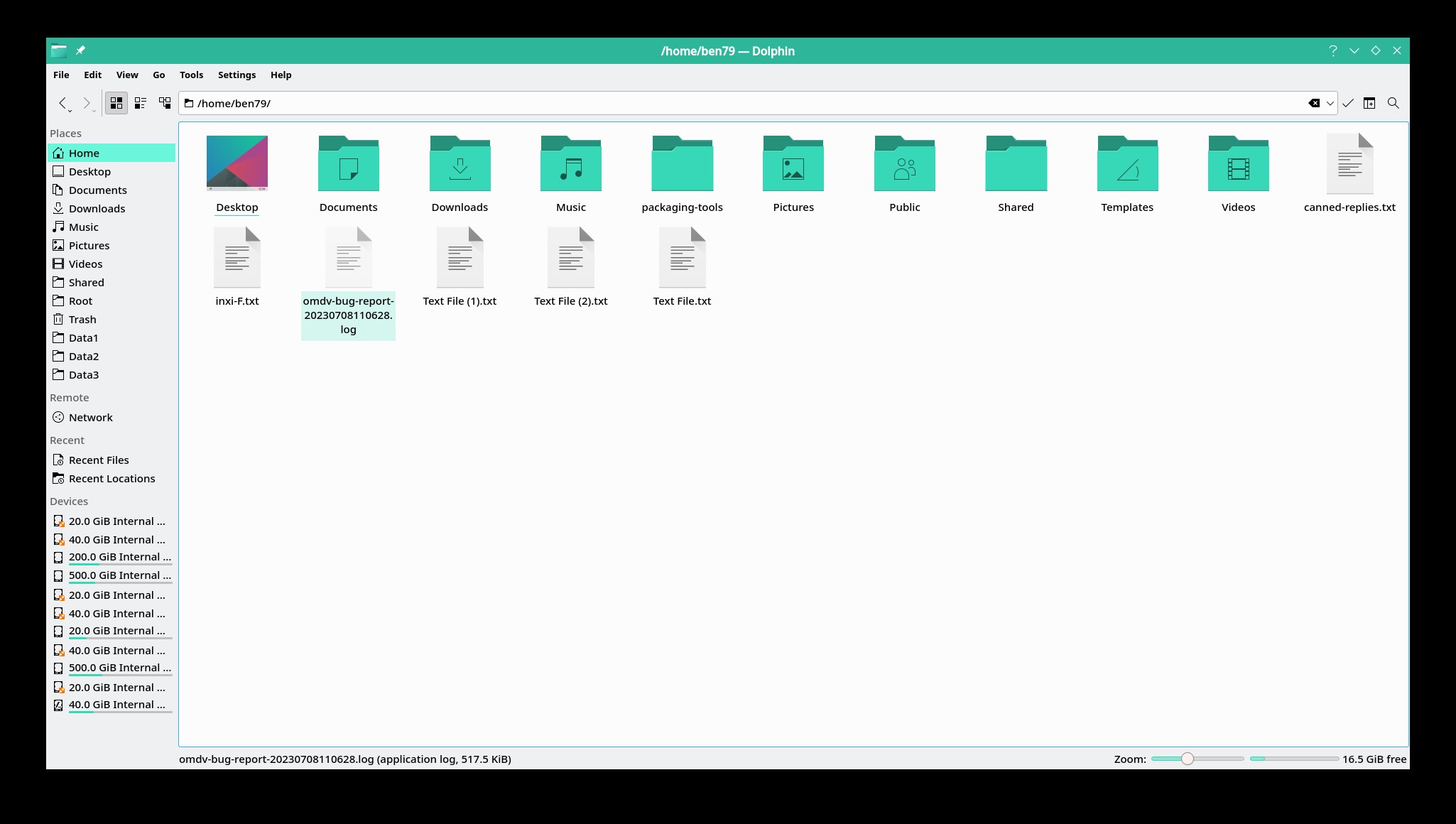
Another tool for providing this type of information is the omv-bug-report tool. To use this open OM-Welcome and navigate to OM-Features and click on the icon. Then enter your root password in the dialog window and it tells you that the file is created in your home directory. You should do this and scroll through the contents to see all the information provided by this tool. Also you should include this in any bug reports involving technical issues.
Users with questions about any of this or needing help please post a new thread with a descriptive title in OM English/Support forum.
Some important reminders when posting in OM Forums:

If your computer output is not English:
