i noticed that BiglyBT, an opensource torrent client has been packaged for omv, and this is wonderful
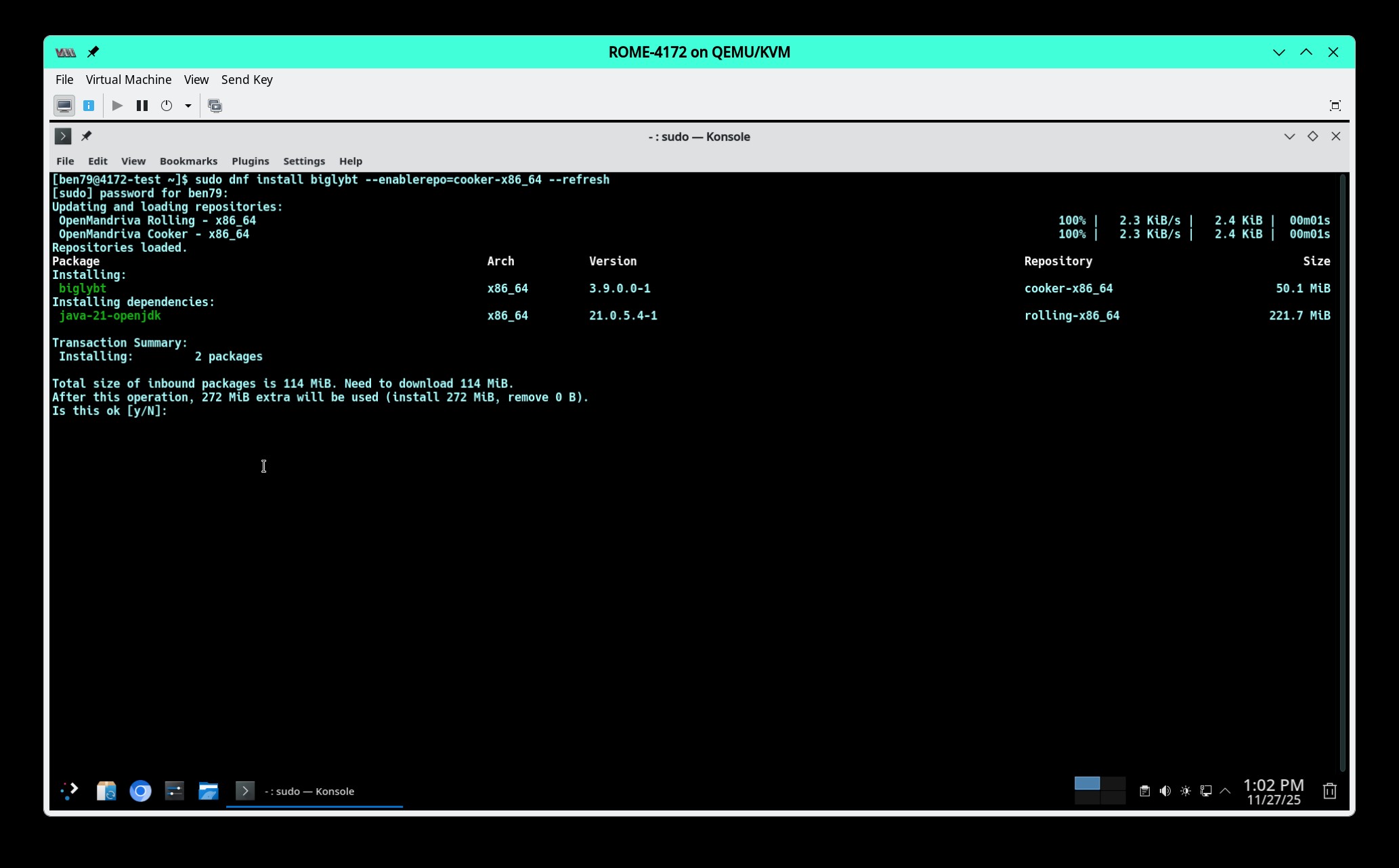
as of now it’s only packaged for cooker and someone suggested me sudo dnf install biglybt --enablerepo=cooker-x86_64 for installing it but the system complains that it can’t find the repo, so i tried getting it from abf, where i found only a znver version which does not start as it complain about this
WARNING: An illegal reflective access operation has occurred WARNING: Illegal reflective access by com.biglybt.core.util.spi.AENameServiceJava9 (file:/usr/share/java/biglybt/biglybt-core.jar) to field java.net.InetAddress.impl WARNING: Please consider reporting this to the maintainers of com.biglybt.core.util.spi.AENameServiceJava9 WARNING: Use --illegal-access=warn to enable warnings of further illegal reflective access operations WARNING: All illegal access operations will be denied in a future release \\\[alert\\\] Alert:3:Failed to access torrent file '$@'. Ensure sufficient temporary file space available (check browser cache usage). Launch failed java.lang.reflect.InvocationTargetException at java.base/jdk.internal.reflect.NativeMethodAccessorImpl.invoke0(Native Method) at java.base/jdk.internal.reflect.NativeMethodAccessorImpl.invoke(NativeMethodAccessorImpl.java:62) at java.base/jdk.internal.reflect.DelegatingMethodAccessorImpl.invoke(DelegatingMethodAccessorImpl.java:43) at java.base/java.lang.reflect.Method.invoke(Method.java:566) at com.biglybt.launcher.Launcher$1.run(Launcher.java:48) at java.base/java.lang.Thread.run(Thread.java:829) Caused by: java.lang.UnsupportedClassVersionError: org/eclipse/swt/widgets/Layout has been compiled by a more recent version of the Java Runtime (class file version 61.0), this version of the Java Runtime only recognizes class file versions up to 55.0 at java.base/java.lang.ClassLoader.defineClass1(Native Method) at java.base/java.lang.ClassLoader.defineClass(ClassLoader.java:1017) at java.base/java.security.SecureClassLoader.defineClass(SecureClassLoader.java:174) at java.base/jdk.internal.loader.BuiltinClassLoader.defineClass(BuiltinClassLoader.java:800) at java.base/jdk.internal.loader.BuiltinClassLoader$4.run(BuiltinClassLoader.java:711) at java.base/jdk.internal.loader.BuiltinClassLoader$4.run(BuiltinClassLoader.java:706) at java.base/java.security.AccessController.doPrivileged(Native Method) at java.base/jdk.internal.loader.BuiltinClassLoader.findClassOnClassPathOrNull(BuiltinClassLoader.java:719) at java.base/jdk.internal.loader.BuiltinClassLoader.loadClassOrNull(BuiltinClassLoader.java:621) at java.base/jdk.internal.loader.BuiltinClassLoader.loadClass(BuiltinClassLoader.java:579) at java.base/jdk.internal.loader.ClassLoaders$AppClassLoader.loadClass(ClassLoaders.java:178) at java.base/java.lang.ClassLoader.loadClass(ClassLoader.java:522) at com.biglybt.ui.swt.Initializer.<init>(Initializer.java:180) at com.biglybt.ui.swt.UI.takeMainThread(UI.java:162) at com.biglybt.ui.Main.main(Main.java:247) ... 6 more Exception in thread “BiglyBT“ java.lang.SecurityException: VM exit operation prohibited at com.biglybt.core.security.impl.ClientSecurityManager.checkExit(ClientSecurityManager.java:118) at java.base/java.lang.Runtime.exit(Runtime.java:114) at java.base/java.lang.System.exit(System.java:1752) at com.biglybt.launcher.Launcher$1.run(Launcher.java:56) at java.base/java.lang.Thread.run(Thread.java:829)
Questo testo verrà nascosto
is there something i can do to install it, or i should wait till it gets packaged for rock?
It will install. Packages are constantly being published in Cooker when they are, then repo metadata is rewritten, when repo metadata is writing, the repo is not available.
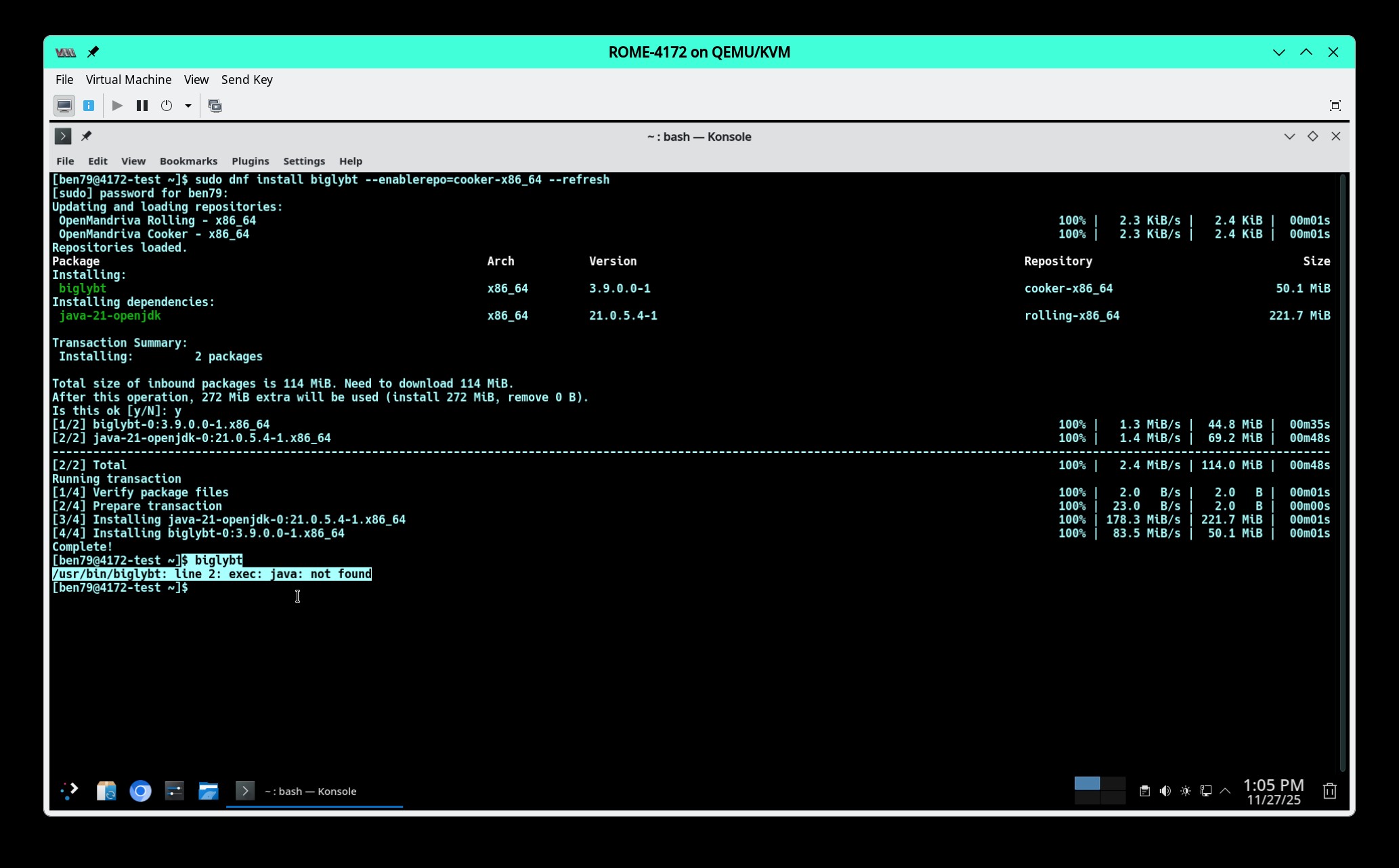
But as you can see it won’t open in ROME, don’t know if this works in Cooker or not.
I installed it via dnf on a cooker pc I have, and the desktop entry is missing the icon, but it launches and operates without issue. Try with this rpm and see if you have the same problem.
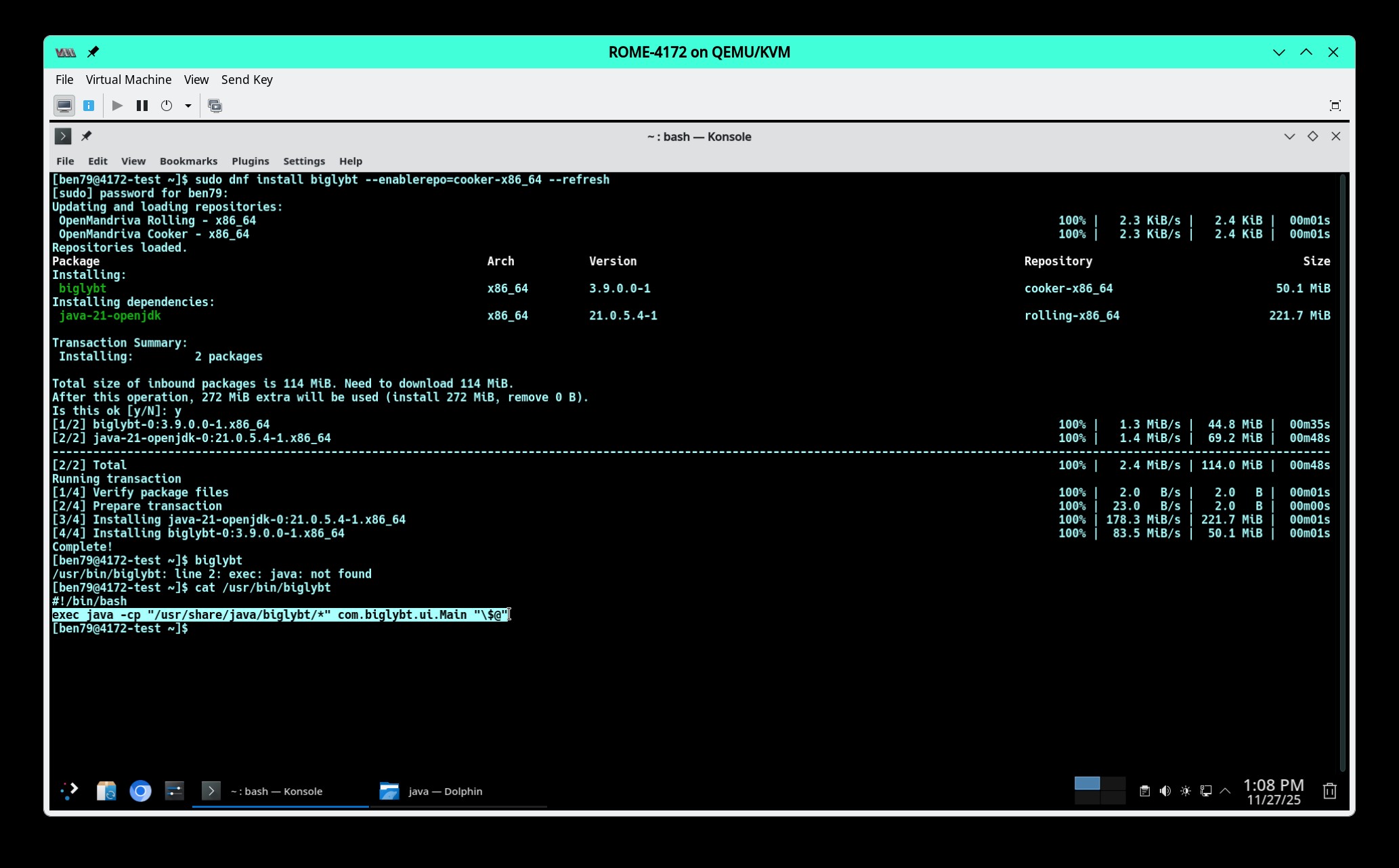
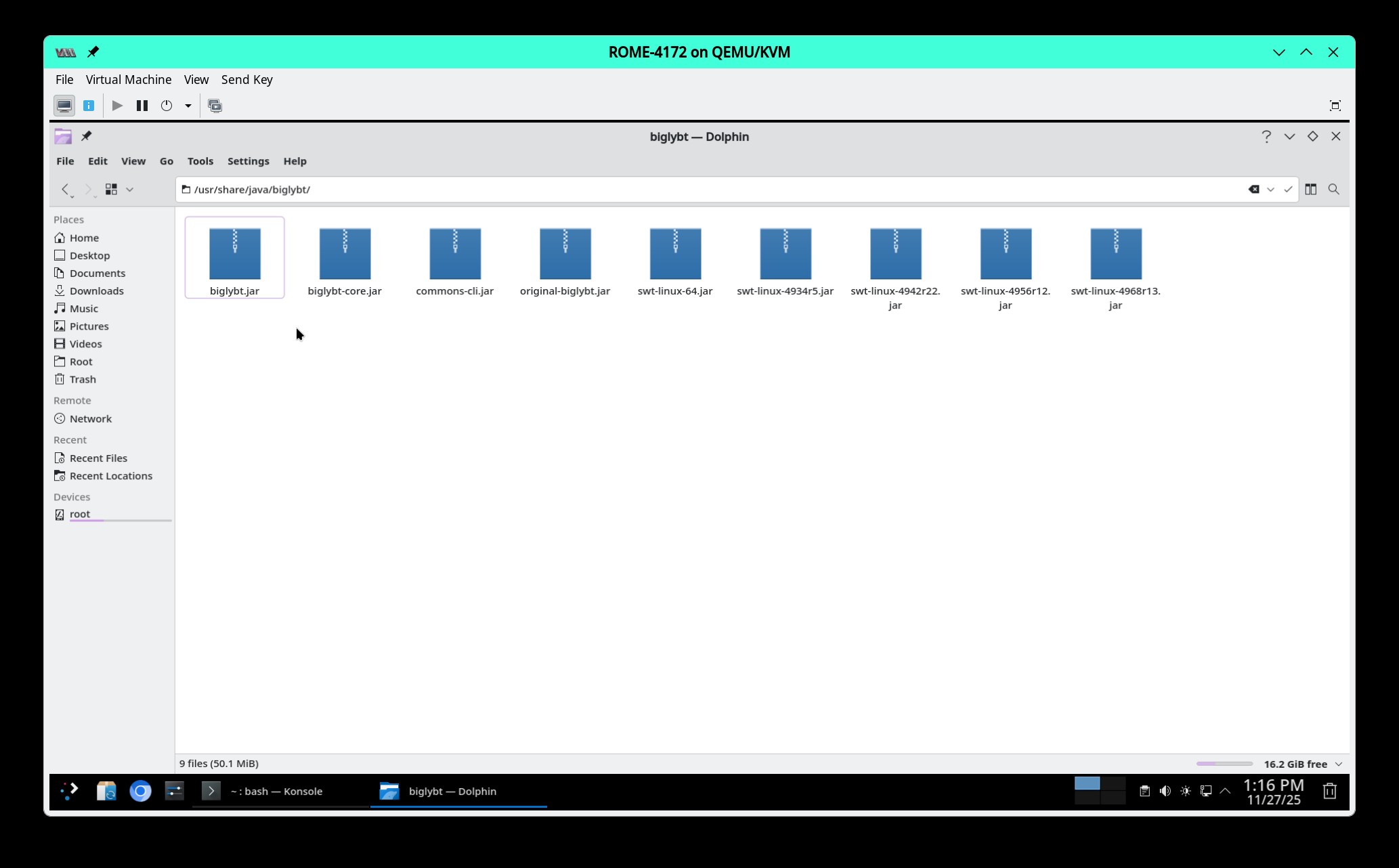
Remove the znver1 RPM, follow Ben’s screenshots to install from the repo. If you encounter the same issue that Ben did, try installing java-1.8.0-openjdk and if that fixes it please let me know so I can update the package.
The icon issue could be your chosen theme. I don’t know why you wouldn’t have it in your application launcher, I have checked on two spare laptops and it is there and launches. All of this was done in cooker though.
Yes. Cooker is often times much further ahead than Rock in terms of library versions. It may make it’s way into ROME with the next UM, but I wouldn’t mix Cooker packages with Rock as a normal practice. The purpose of Rock is to have older and somewhat more stable versions of software for Production environments (primarily for businesses and the update averse).
OpenMandriva Cooker - x86_64          3.5  B/s |  10  B     00:02
Errors during downloading metadata for repository 'cooker-x86_64':
  - Status code: 404 for http://mirror.openmandriva.org/cooker/repository/x86_64/main/release/;http:/abf-downloads.openmandriva.org/cooker/repository/x86_64/main/release/repodata/repomd.xml (IP: 140.211.11.99)
Error: Failed to download metadata for repo 'cooker-x86_64': Cannot download repomd.xml: Cannot download repodata/repomd.xml: All mirrors were tried
not saying you are wrong, you are perfectly right, but i would still like to try this, and if it doesn’t really work then i’ll use the original installer while i wait for the next update
That is exactly what happens when ABF publishes packages. The metadata for that repo gets rewritten and while the writing is happening there are no repodata files to download. And yes, this can happen 10 to more than 100 times in one day in cooker. This can happen with rolling or rock repos but is not frequent.
well, as of now my installation is perfectly working, and i suppose you are right, it’s better to wait till it gets officially to cooker, so i decided to install the app via is usual installer and will use the packaged one once it’s time
BiglyBT released version 4.0.0.0 a few days ago. This new version has been published to cooker if you would like to try to install it. If you choose to install from the cooker repo, I would appreciate being notified if you encounter any errors or problems launching.