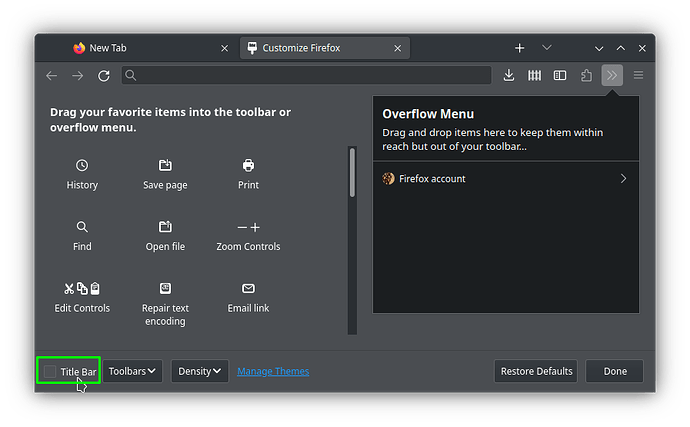
Description of the issue (screenshots if relevant):
It’s only happening in the minimal ISO. My Firefox is looking in GTK (GNOMEish) theme. How can I convert it to Qt theme? With packages or environment variables etc.? Thanks.
Edit: Not only in Firefox. Relevant informations (hardware involved, software version, logs or output…):
The packages on the slim iso are identical to those on the full iso. The only difference is that the slim iso has fewer packages, especially KDE packages. All OMLx packages come from the same repositories. So maybe if you are using slim there is some KDE package you would want to install.
As far as I know there is not any Qt version of Firefox. Firefox for Linux mostly uses there own toolkit XUL and uses GTK for a few things like the window. I would think if one did an internet search of this one would come up with this and this.
Sadly didn’t worked. The thing I posted above is not a full solution too. It does not apply to other apps, components of firefox and takes too much space on the screen.
I’m not currently on OpenMandriva but if someone experiences the same issue installing breeze-gtk kde-gtk-config xdg-desktop-portal-gtk and xsettingsd packages can help from my Arch experience. I examined both of the full and slim iso build logs. Some packages maybe be unneeded, diffrent named like plasma6 on the start but I think it will work.