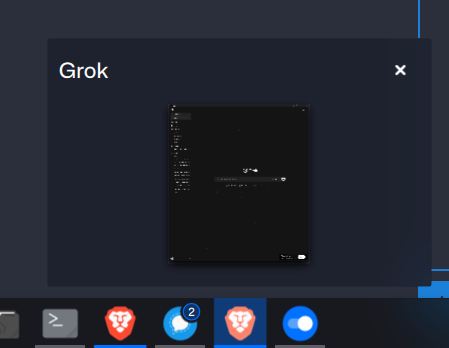
I did a minor bit of customisation to my fresh install of OM Rome by doing the following:
Installing the Sweet theme
Installing the Tela icon pack
For some reason, my Brave PWA apps don’t properly show the website’s icon anywhere it should be displayed (task switcher, bottom bar, etc.). Instead it shows the default brave icon. I’ve spent several hours in ~/.local/share/icons/ (as well as related files/folders) and AFAICT, everything seems to be wired up correctly for hicolor to be the fallback icon theme when my primary theme doesn’t have the icon in question. I’ve played around extensively with kbuildsycoca6 and such, but nothing seems to work. I’ve attached an example of what I’m talking about.
Hmm, based on what I understand though, this doesn’t seem to be a Brave-specific issue as Brave is properly adding the PWA’s icons to the correct directory (hicolor). On my my previous OM install without icon packs installed I didn’t run into this issue.