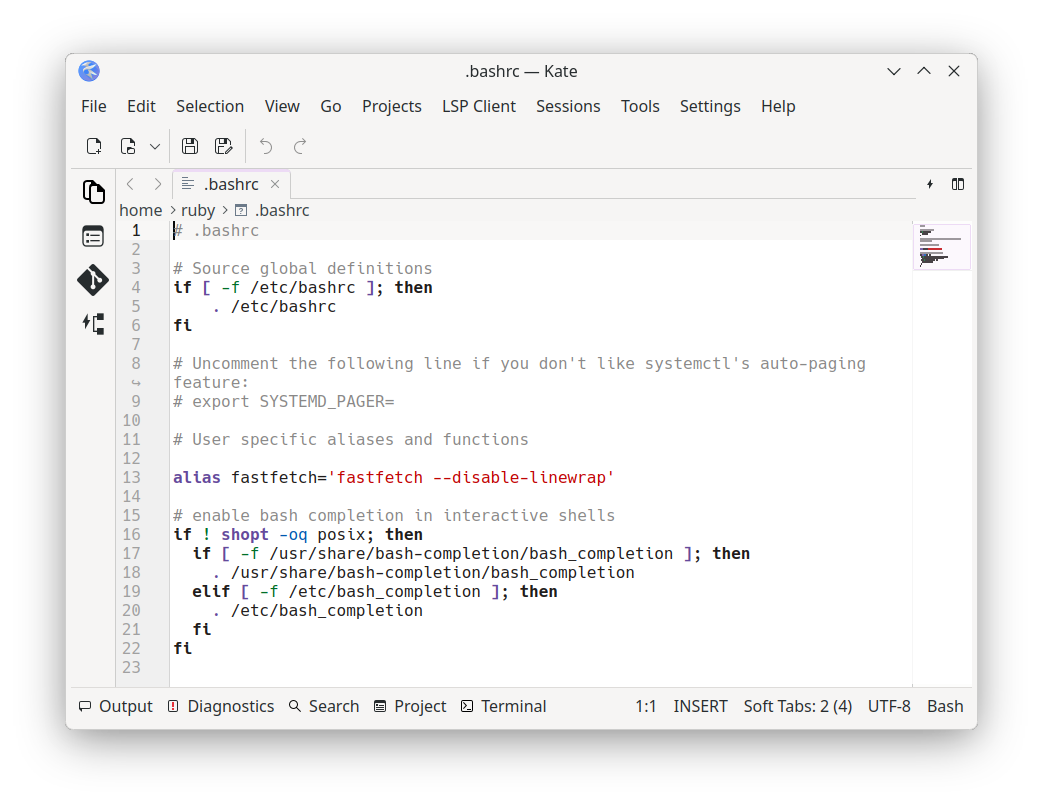
I am used to using bash-completion to use the Tab key to autocomplete the packages which I want to download. Under OMA Rock 6, however, I cannot seem to get it to work the same way. This is how my .bashrc looks like:
The issue is probably caused by a mismatch between the command name and the completion script name. The dnf completion script is named dnf-3 and while using the command dnf-3 the completions work just fine.
I solved by creating a symlink to the completion file and renaming it to reflect the command name
It may change again with dnf5 since that will be the new default. Did your .bashrc come from another distro? Try backing that up and copying the system one to your profile and see if the completions work. No one should be bringing over unneeded dotfiles from other distros (or entire ~ folders without knowing how to modify permissions).
I have just reinstalled the system, and updated it using dist-upgrade. I had a clean system on the other install, since I don’t like bringing in files from older systems. If I type dnf and use Tab it won’t auto-complete. If I use dnf-3, it will auto complete and list packages.
I assume the system original one is equal to the one right after installation, but I also tried to compare with diff between the one in my home folder and the one in /etc/skel/. It returns nothing. This is true for .bashrc, .bash_completion and .bash_profile files.