Hello,
Can someone give me an idea of how likely a successful upgrade from my current OM version to the latest will be?
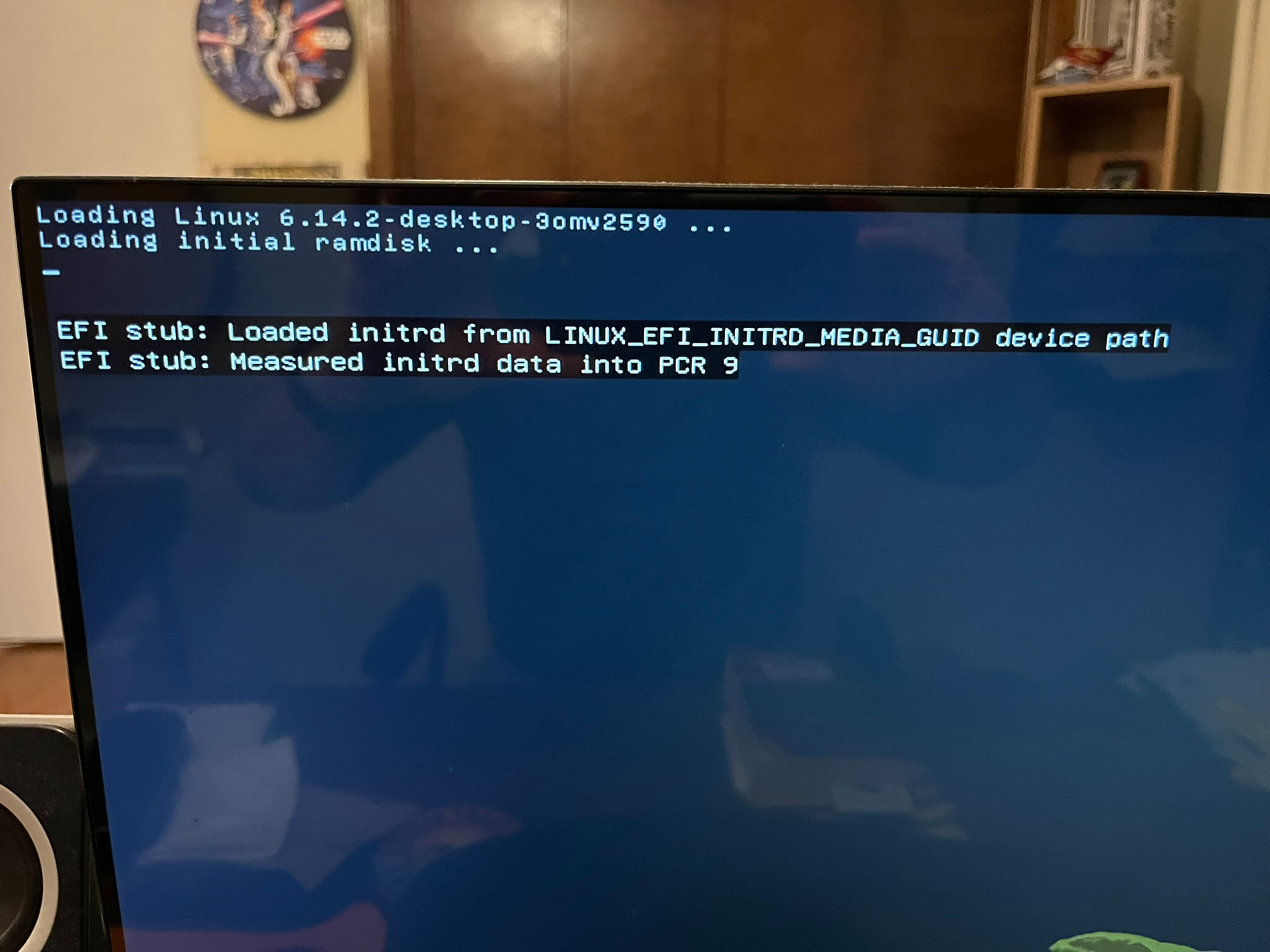
Here’s what shows when I run uname -a
6.14.2-desktop-3omv2590 #1 SMP PREEMPT_DYNAMIC Fri Apr 18 21:01:44 UTC 2025 x86_64 x86_64 x86_64 GNU/Linux
Can you provide me steps or with links to the upgrade that I should run?
Or, show me steps. I’ve tried in the past and the upgrade failed and I had to rebuild my OM installation. I’d like to escape that situation this time.
Found in the “Contribute” tab of the OM Welcome app (in the second row, second from the left). It will generate a log file in your home directory. You can then post this file in the forum chat for analysis.
The main thing is you CANNOT do it from your desktop. You’ll have to log into your desktop and connect to the Internet, then hit Ctrl-Alt-F4 and lot into a TTY session. Then run the upgrade from there.
Because of the switch from Xorg to Xlibre, the desktop crashes in the middle of the upgrade, which borks the installation. If you do it from the TTY, it should work.
I have upgraded from Rock to ROME multiple times on both hardware and VMs, most recently was about a month ago. Like Sez111a said, do it from a TTY. Login as usual, use the OM repo selector tool to switch from rock/release to rome/rolling. Move to a TTY and run sudo dnf clean all;dnf clean all;sudo dnf distro-sync --refresh then reboot once the update is finished.
ran and the upgrade failed in the middle 2400 packages of 4800 or whatever.
All tests passed after download then upgrade was running and then went to a black screen with a blinking cursor
Same experience as months ago.
Now I can login and get a console but not KDE
What do I do now?
How do I fix this?
please help.
Im oh laptop trying to post now
Trying to figure out how get the rest of the upgrade to go.
just have a console.
I use this computer every day for work
Please show me the commands to run
you all said you fixed this issue where it fails the upgrade in the middle.
I’m not a complete idiot. Not complete.
But now I’m stuck.
I’ve rebuilt this machine multiople times and I’ve instlaled multiple distros but how do I install without wiping out my entire installation? Oh man! Wow I know this is hobbyist but it sucks. I switched the repo to the correct one followed instructions and it just died in the middle.
if. there wasn’t an upgrade path from rock to rolling why didnt someone just say so
Press Ctrl Alt F4, which should bring up a TTY login screen.
I use a root user, but you probably don’t, so log in as your user, then type ‘sudo systemctl isolate multi-user.target’, hit enter and type your password again.
Once the prompt comes back type Lee’s command:
‘sudo dnf clean all;dnf clean all;sudo dnf distro-sync --refresh’ and hit enter, and type y for yes, and hit enter again when asked.
The upgrade will finish and you can reboot. This is how it works under normal circumstances.
Two of us did say to upgrade from a TTY, not an active plasma session. Your update command completely removed the X11 server and ruined the update because we switched from Xorg to XLibre, which is what Sez11a said would happen. If you can boot in console mode then follow what I or C137 said. If you can not boot at all then you will have to use a live iso to chroot into your system and complete the update, or just do a fresh install.
If you choose to do a fresh install and you want to save your home directory then, from the live iso, create a separate partition using partitionmanager then mount that new partition and your original linux partition, then copy your home directory to the new partition. That will survive a new install assuming that you do not choose to erase disk at install.
I should’ve understood that part better. That KDE X11 window manager gets killed and that interrupts the upgrade.
Well, this is good, because I just run the upgrade from the command line.
I will try it and hopefully all will be good.
Thanks
luckily I have two m.2 drives in my desktop
I installed OMarchy on the other one and when the machine starts it now boots off that one.
I can run either distro (OM or OMarchy) now.
Too bad OM upgrade failed.
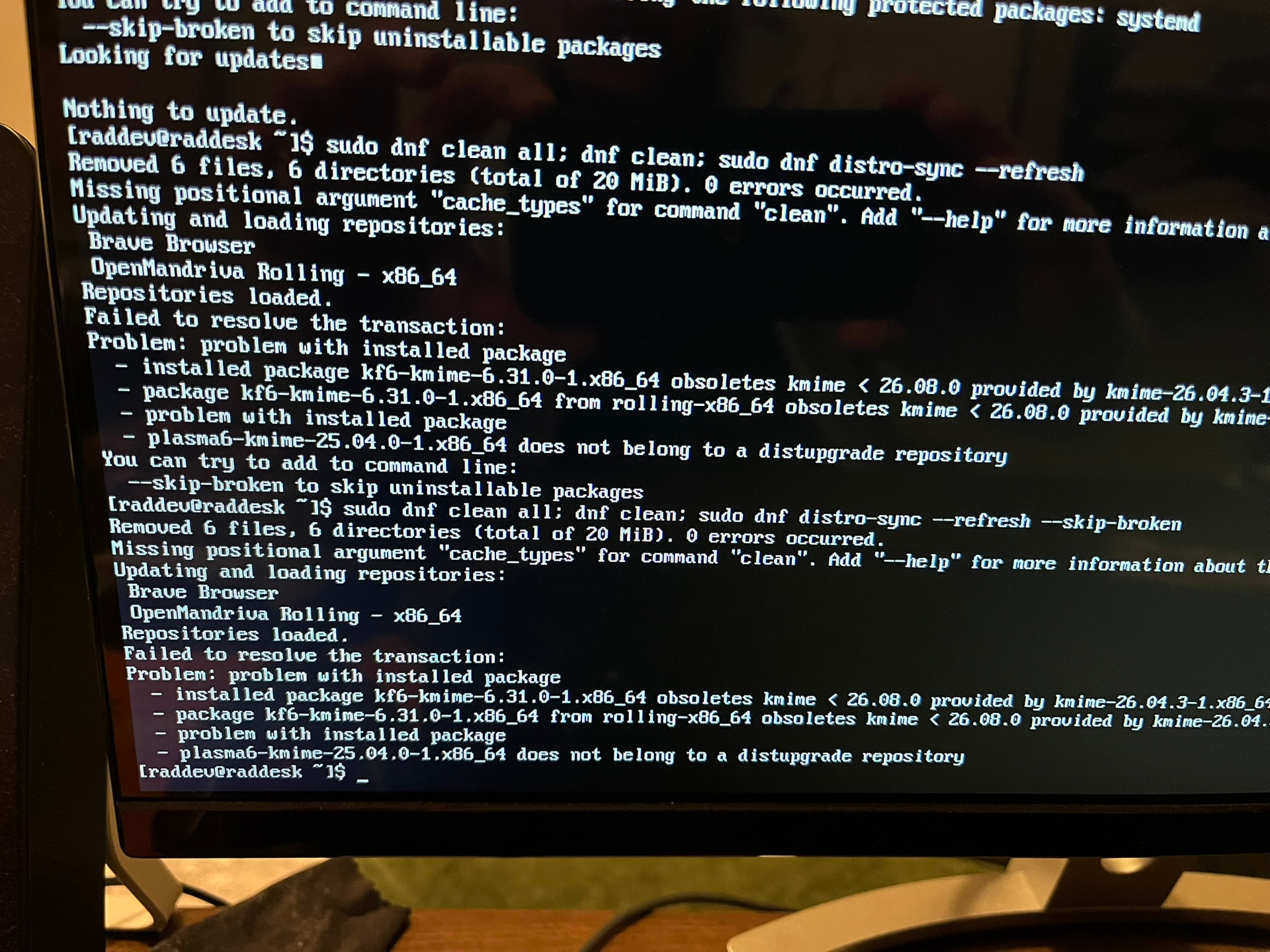
That removed the package but when I ran the install it gets stuck on saying it would remove systemd and then when i say ok, go ahead and --skip-broken it still fails
Anyone else?