I’ve just recently got my hands on an HDMI capture card that is capable of up to 4k 60Hz, but I’m not able to capture 4k at anything higher than 30Hz in OBS Studio.
As I have to use a work provided computer for my day job but also my Linux computer alongside for some tasks I am trying to use OBS to effectively enable me to turn a Linux desktop workspace into a virtual second monitor for the work provided computer to flip back and forth between Linux and the work machine on a shared monitor.
I’m no expert with this kind of stuff so please forgive me, but my impression from searching online is that the AMDVLK drivers for Linux help to resolve these limitations.
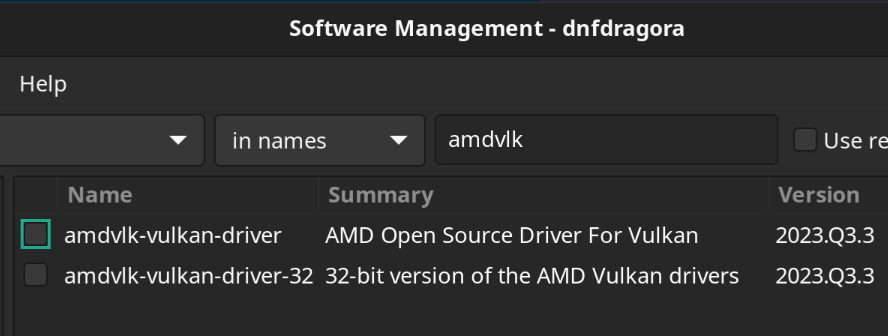
When searching for the AMDVLK drivers for OM, it appears that the only option available is from 2023 and presently supports upto the 6000 series AMD GPU’s and not the 7900 XTX which I’m using.
Obviously as I mentioned, I’m no expert with this stuff, so if you know a better option to improve the display capture capabilities in OBS Studio please let me know 
-
OpenMandriva Lx version: Cooker
-
Description of the issue (screenshots if relevant):
-
Relevant informations (hardware involved, software version, logs or output…):
GPU: AMD 7900XTX.
Capture Card: AVerMedia HDMI 2.1, Live Gamer Ultra 2.1, GC553G2.
Software: OBS Studio 31.0.1 (64-bit, Flatpak/Flathub install).
Wayland